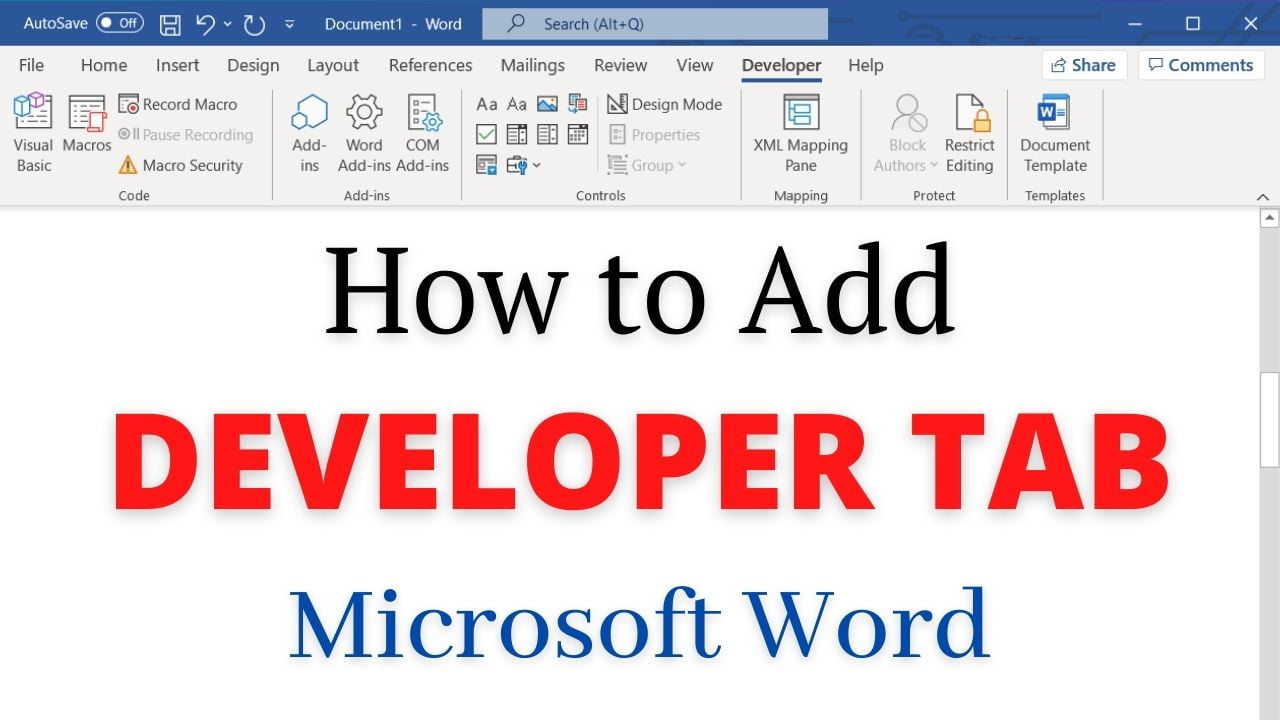
Quick answer: To display the Developer tab in desktop Word for Windows, open File → Options → Customize Ribbon, select Main Tabs, check Developer and click OK. The tab gives access to macros, form controls, content controls and other advanced tools. Enable the Developer Tab in Word for Windows Go to File Tab > Options (this opens up Word Options Window) and click on “Customize Ribbon”. Alternatively, you can also… Read More »How to Enable the Developer Tab in Microsoft Word for Windows