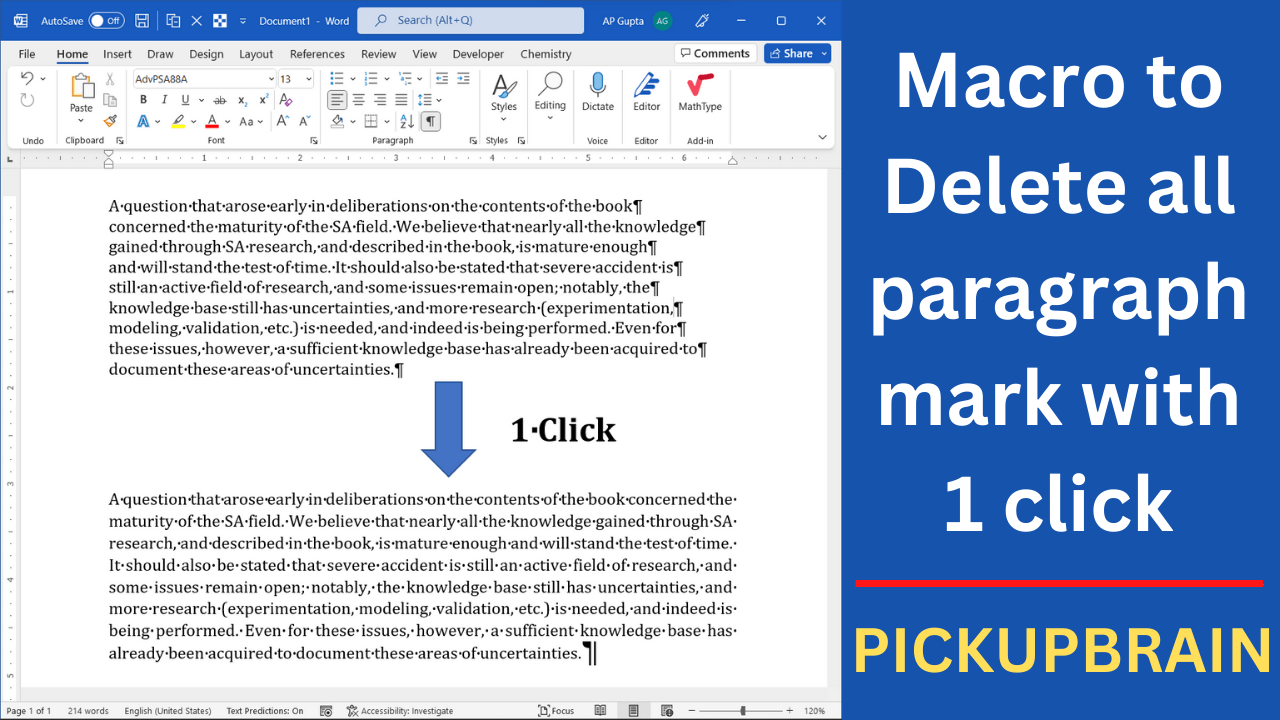
Text copied from PDFs often contains unwanted manual line breaks (Shift+Enter). This Word VBA macro replaces only manual line breaks in selected text with spaces, preserving paragraph boundaries. Make a backup and select a short passage first; do not remove genuine paragraph marks just to join lines. Before running the macro Turn on formatting marks (Home > ¶) to distinguish manual line breaks (↵) from paragraph marks (¶). Use Find… Read More »Word VBA Macro to Remove Line Breaks from Selected Text