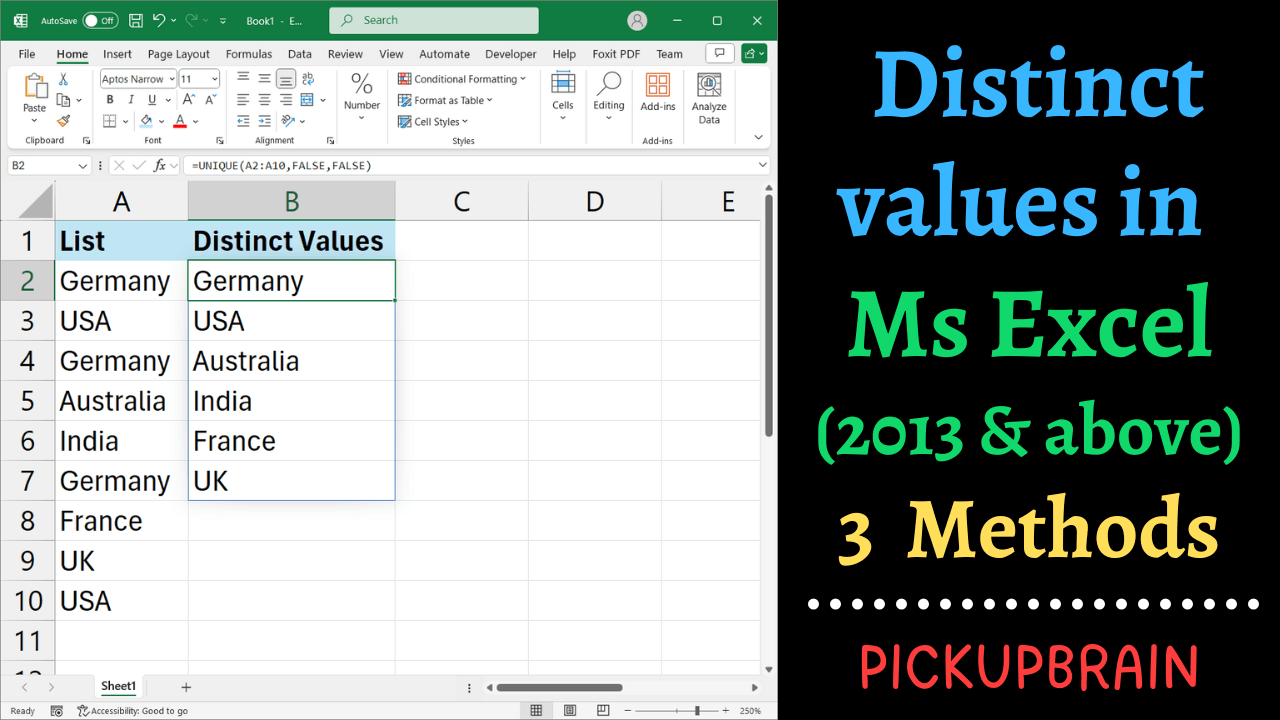
Quick answer: To extract distinct values in Excel, use =UNIQUE(A2:A20) in Microsoft 365 or Excel 2021 and later. In Excel 2013, 2016, or 2019, use Data → Advanced Filter → Unique records only to copy a distinct list without changing your original data. You can also use Remove Duplicates, but that method modifies the selected range, so make a copy first. There is a useful difference between unique and distinct… Read More »How to Get Distinct Values in Excel: UNIQUE, Filter & Duplicates