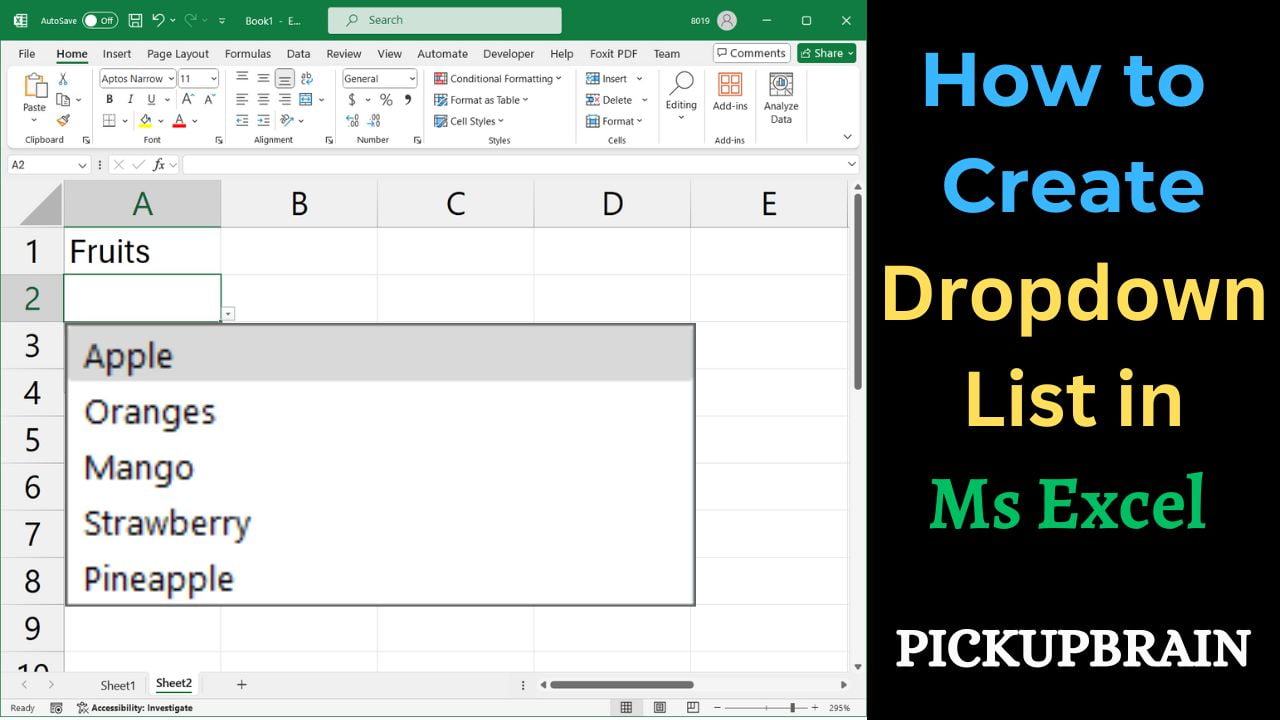
Quick answer: To create a single-select drop-down list in desktop Excel, select the destination cell, open Data → Data Validation, choose List under Allow, and enter your options or select the source range. Click OK to add the list. This step-by-step tutorial covers source ranges, validation settings, common errors, and a video demonstration. Step-by-Step Instructions 1. Prepare Your List Items First, enter the allowed values in one column, such as… Read More »How to Create a Drop-Down List in Excel (Step-by-Step)