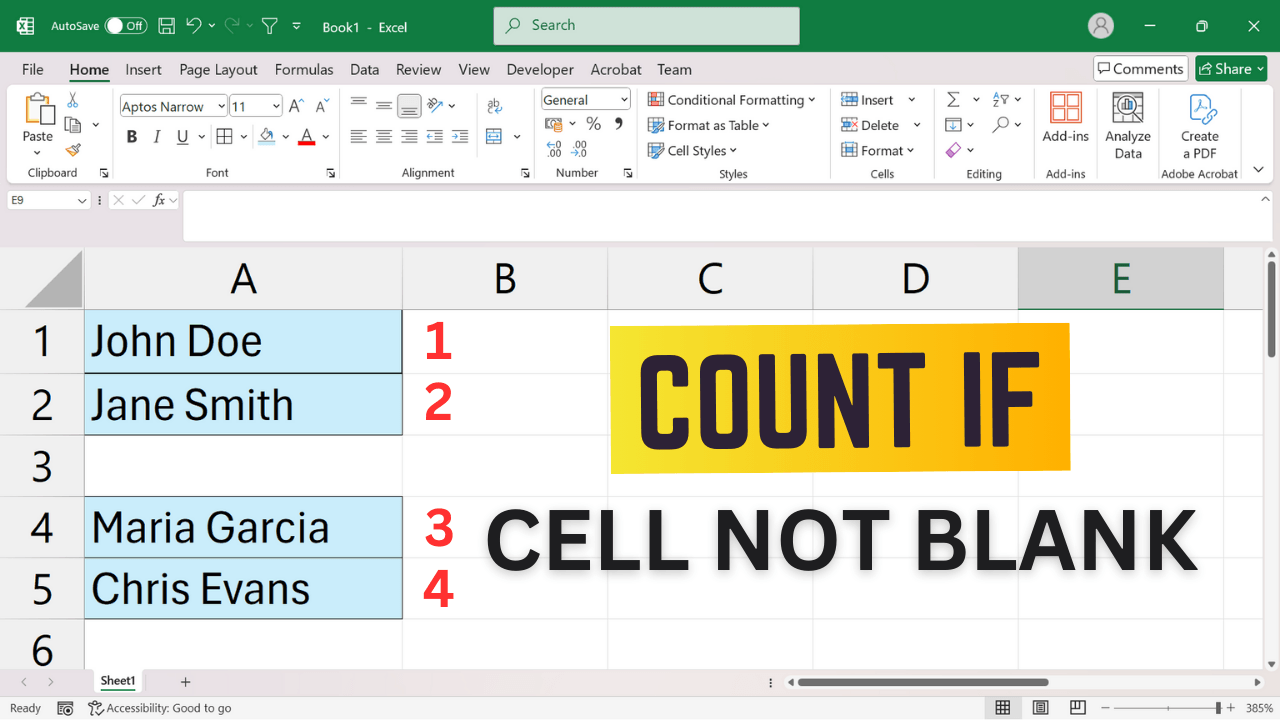
Quick Answer: Count Non-Blank Cells in Excel To count cells containing values or formulas in Excel, use =COUNTA(A2:A10). If you need to ignore formulas that return an empty string (""), try =COUNTIF(A2:A10,”<>”). Both formulas count cells containing spaces, so the best choice depends on what you consider blank. Here are practical examples and troubleshooting tips. 1. Using COUNTA Function The simplest way to count non-blank cells in Excel is with… Read More »How to Count Non-Blank Cells in Excel (COUNTA vs COUNTIF)