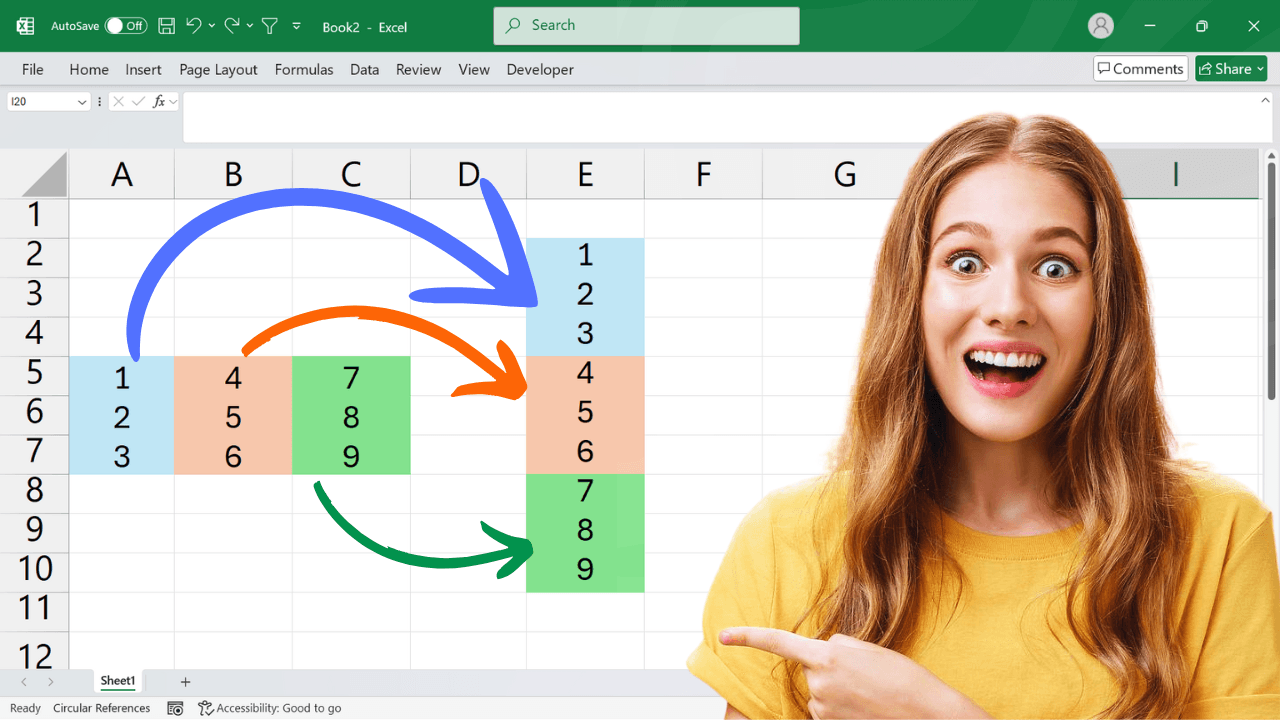
Flatten an Excel Range into One Column The TOCOL function converts a multi-column Excel range into a single vertical column. For example, =TOCOL(A1:C4) stacks the values in row order, while optional arguments let you ignore blanks or scan by column. If your Excel version does not support TOCOL, the VBA alternative below provides another approach. Use =TOCOL(A1:C4,1) to omit empty cells or =TOCOL(A1:C4,3,TRUE) to ignore blanks and errors while scanning… Read More »Flatten an Excel Range into One Column with TOCOL or VBA