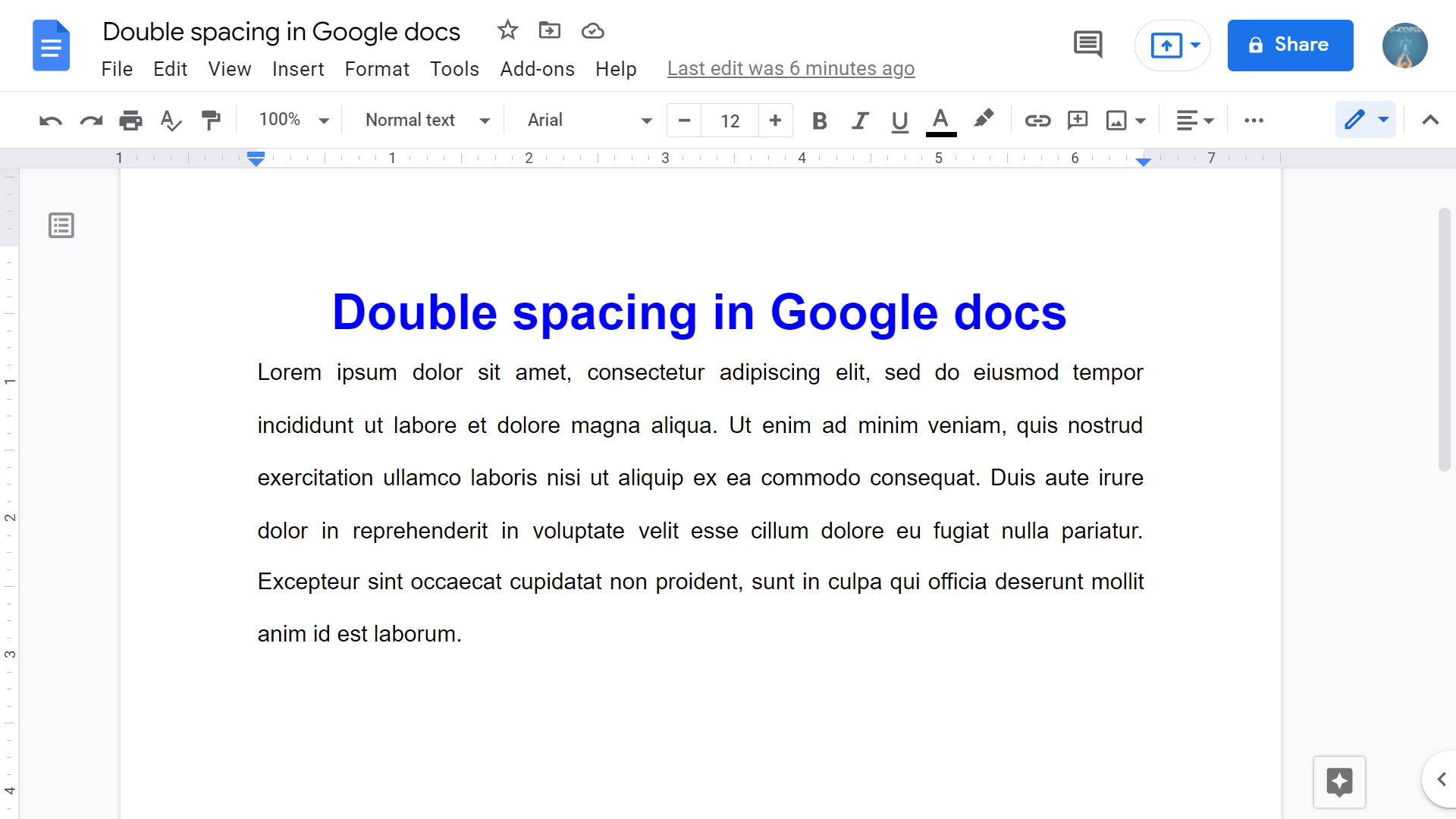
Quick answer: To double-space text in Google Docs, select the paragraphs and choose Format → Line & paragraph spacing → Double. You can also use the line-spacing button on the toolbar. To apply double spacing to the entire document, press Ctrl+A (Windows/ChromeOS) or Command+A (Mac) first. Two Methods to add double space Select the text that you need to double space and use any of the following methods. To select… Read More »How to Double Space in Google Docs (Entire Document or Selection)