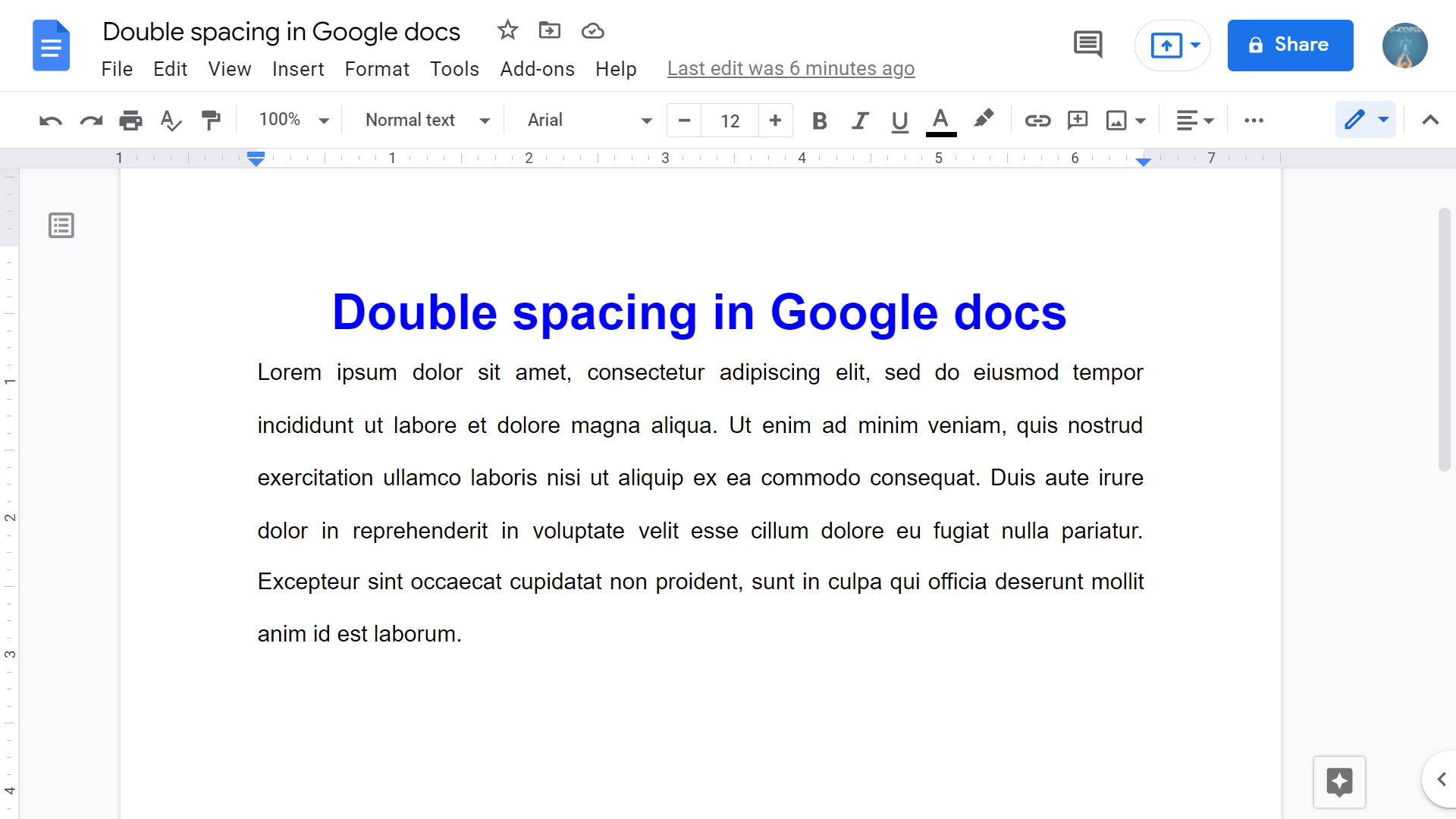
Quick answer: To double-space text in Google Docs, select the paragraphs and choose Format → Line & paragraph spacing → Double. You can also use the line-spacing button on the toolbar. To apply double spacing to the entire document, press Ctrl+A (Windows/ChromeOS) or Command+A (Mac) first. How to double-space selected text in Google Docs Select the paragraphs you want to format. If no text is selected, changing line spacing usually… Read More »How to Double Space in Google Docs (Entire Document or Selection)