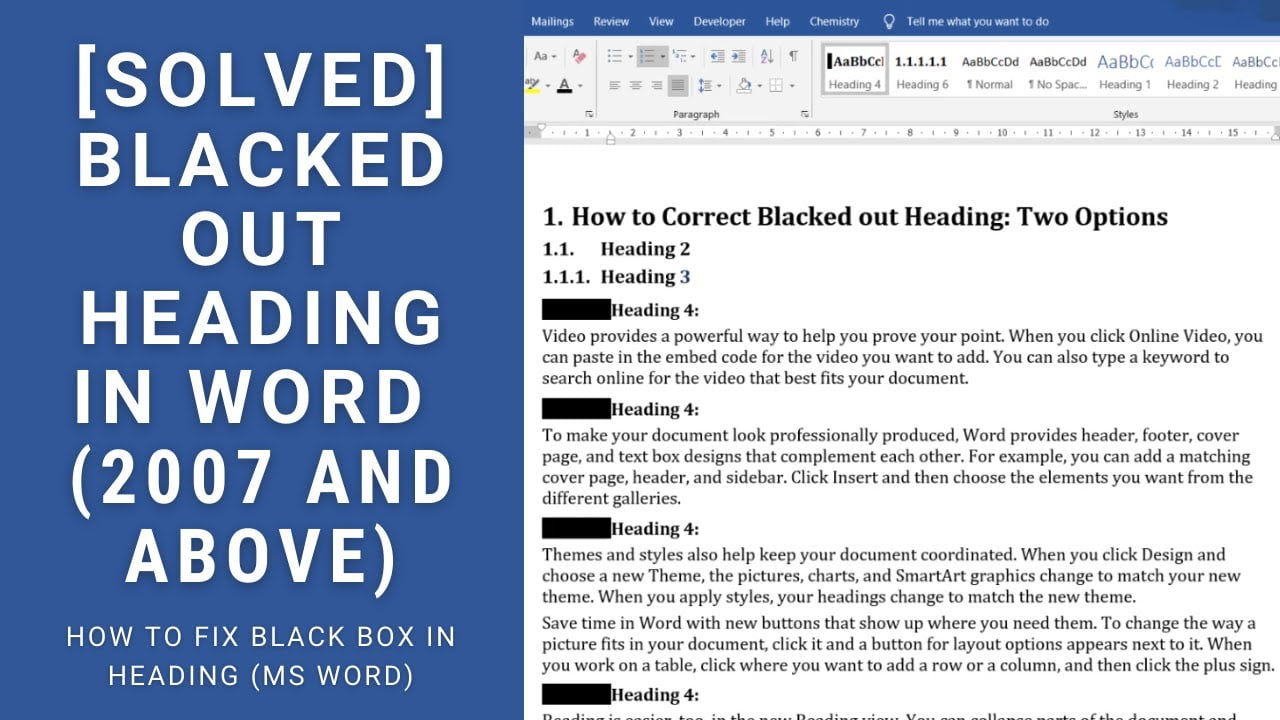
Quick answer: If a Microsoft Word heading shows a solid black box instead of its number, the issue may involve the heading’s numbering or multilevel-list formatting. First try selecting the affected heading and reapplying its heading style. If the problem returns, inspect the multilevel list linked to your heading styles. Save a copy before changing numbering, especially in a long document. This problem has been discussed in the Super User… Read More »How to Fix Black Boxes Instead of Heading Numbers in Microsoft Word