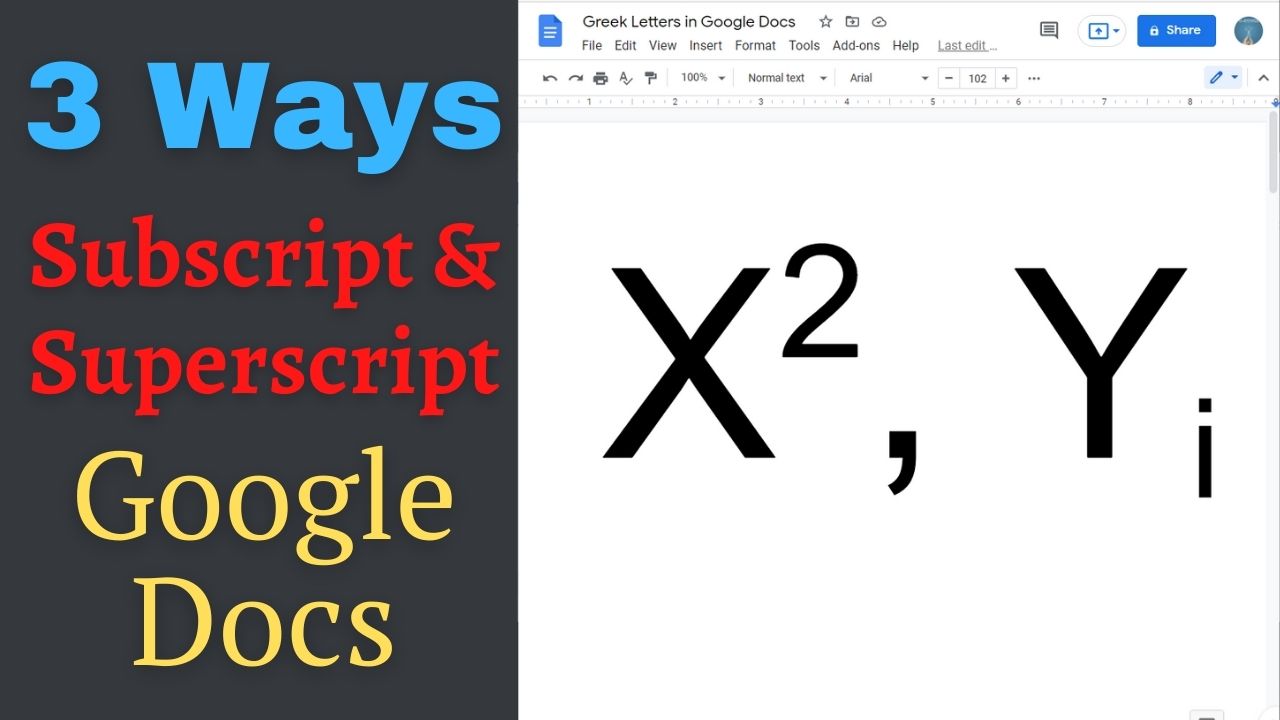
Quick answer: To format subscript in Google Docs on a computer, select the characters and choose Format → Text → Subscript. For superscript, choose Format → Text → Superscript. The common shortcuts are Ctrl+, and Ctrl+. on Windows/ChromeOS, or Command+, and Command+. on Mac, respectively. Method 1: Format Tab Either place the cursor where you want to start subscript or superscript or select the text that you need as subscript… Read More »How to Type Subscript and Superscript in Google Docs