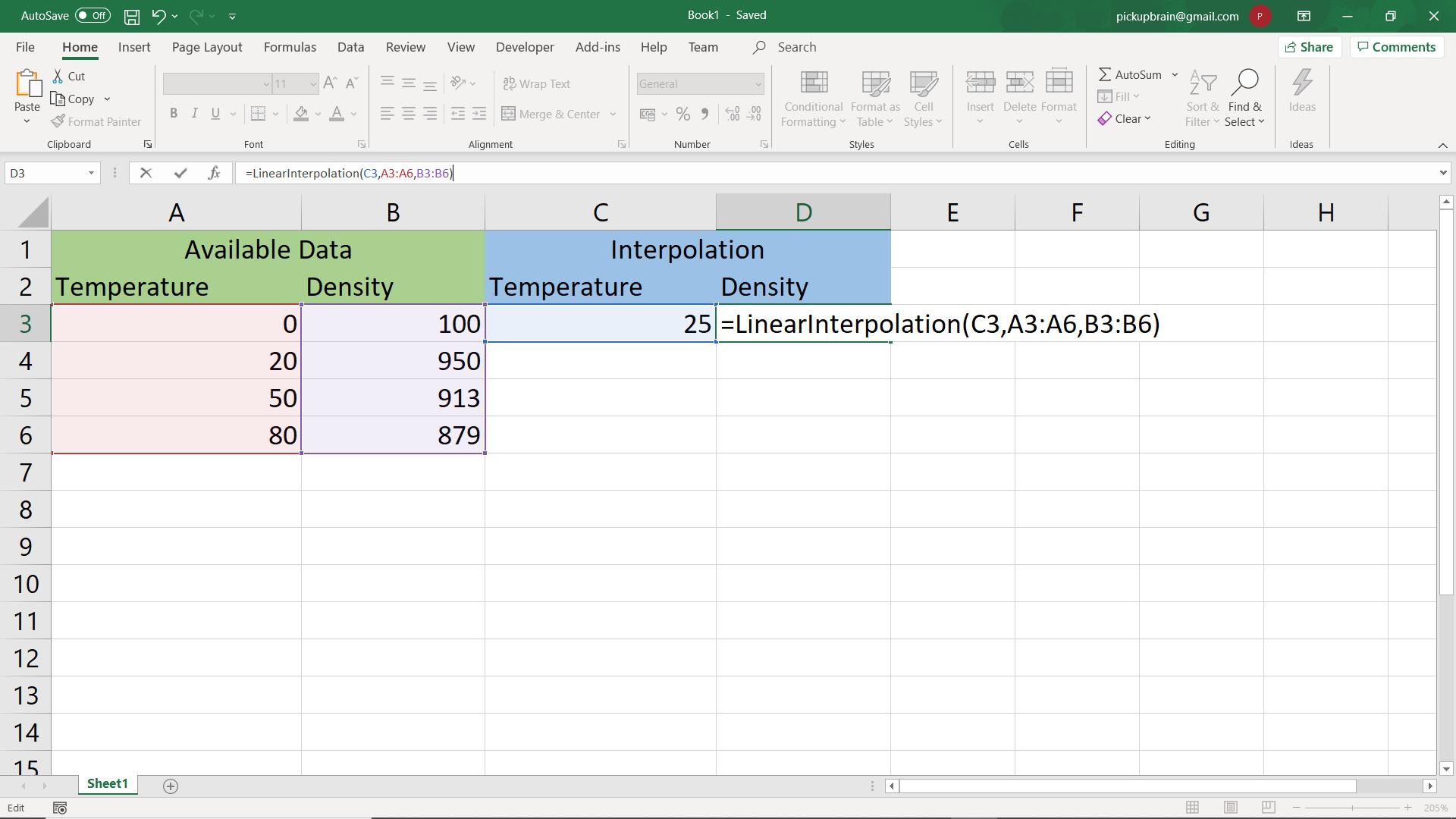
Quick answer: To estimate a value between two known points in Excel, use =B4+(E2-A4)*(B5-B4)/(A5-A4) when the lower and upper x-values are in A4 and A5, their y-values are in B4 and B5, and the target x is in E2. For a reusable function over many sorted data points, the VBA example below calculates the interval automatically. The data in this tutorial are illustrative, not measured water-density values. Suppose an illustrative… Read More »Linear Interpolation in Excel: Formula, Example and VBA