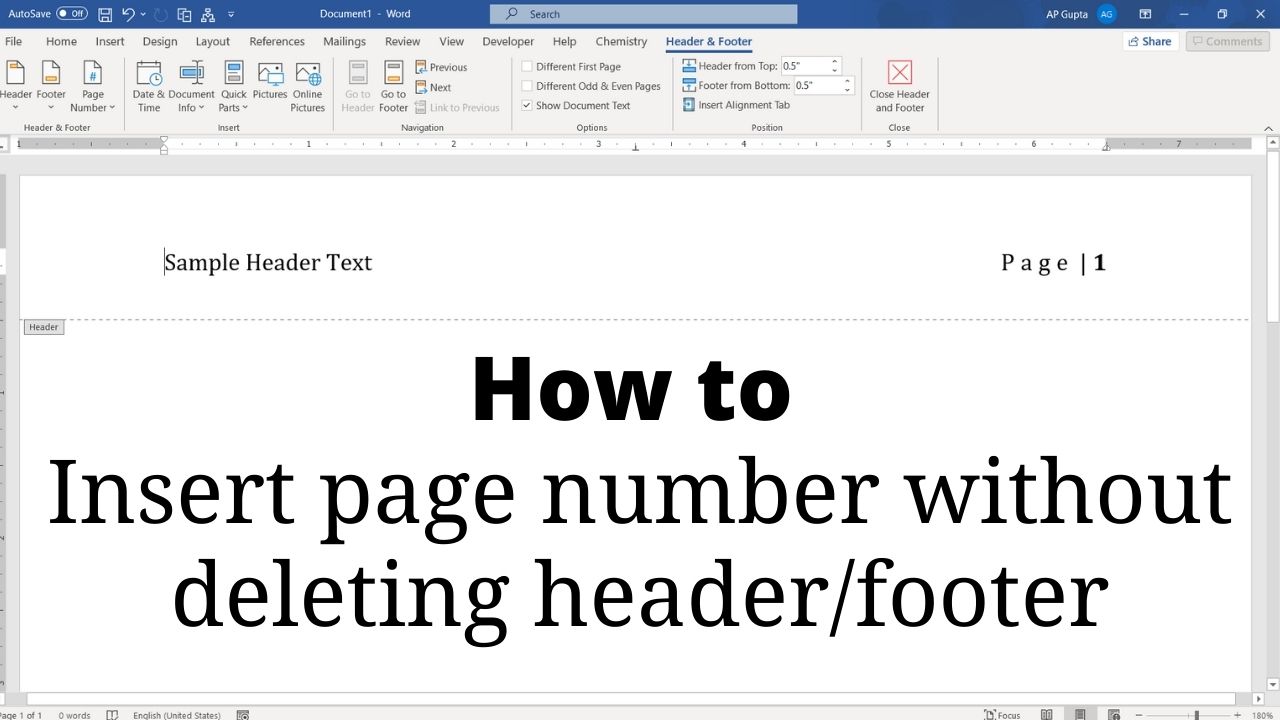
Quick answer: To add page numbers without replacing an existing Word header or footer, double-click inside the header or footer, position the cursor where the number belongs, then choose Insert → Page Number → Current Position (or insert the PAGE field). Avoid selecting a prebuilt top- or bottom-of-page design that replaces existing header/footer content. Correct way to insert page number Go to header (or footer) by double clicking the respective… Read More »How to Insert Page Numbers in Word Without Removing the Header or Footer