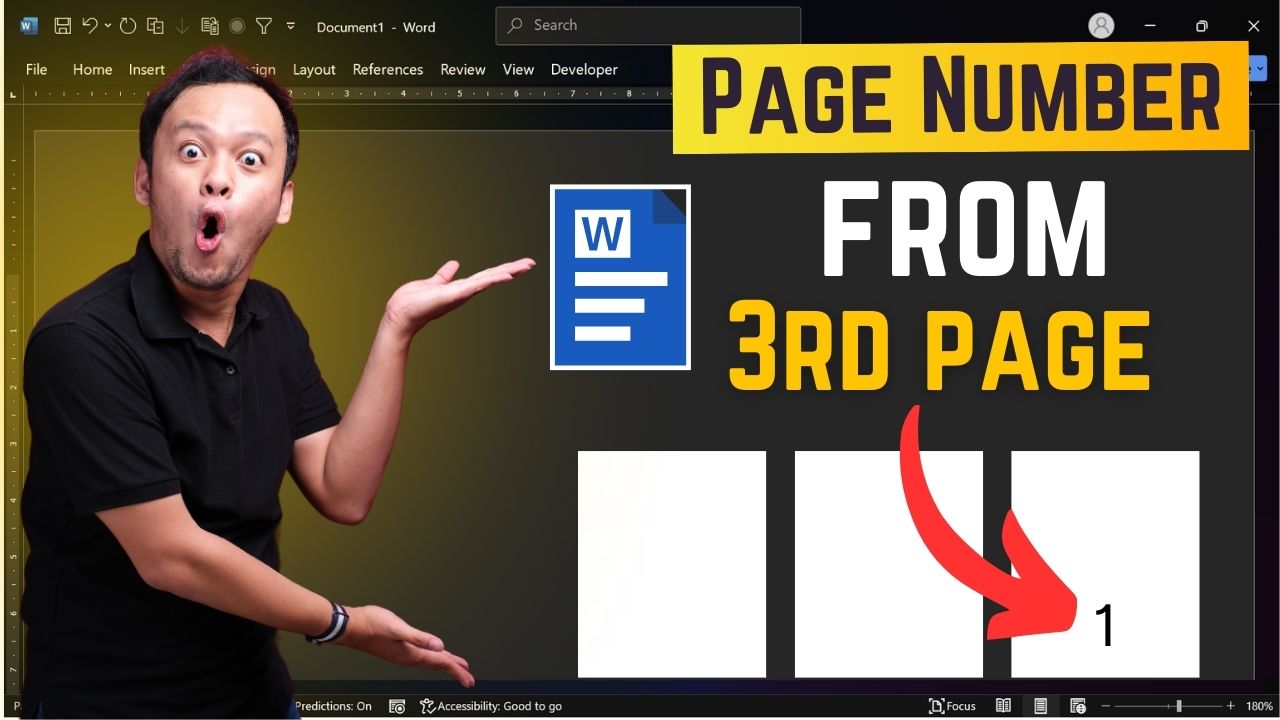
Introduction To start page numbering on page 3 in Microsoft Word, insert a section break at the end of page 2, unlink the new section’s header or footer, and add page numbers to the third page. You can choose whether page 3 displays the number 1 or 3. This guide explains each step and how to fix common numbering problems. Expected result: pages 1–2 show no page number, while page… Read More »Start Page Numbers on Page 3 in Word: Section Break Method