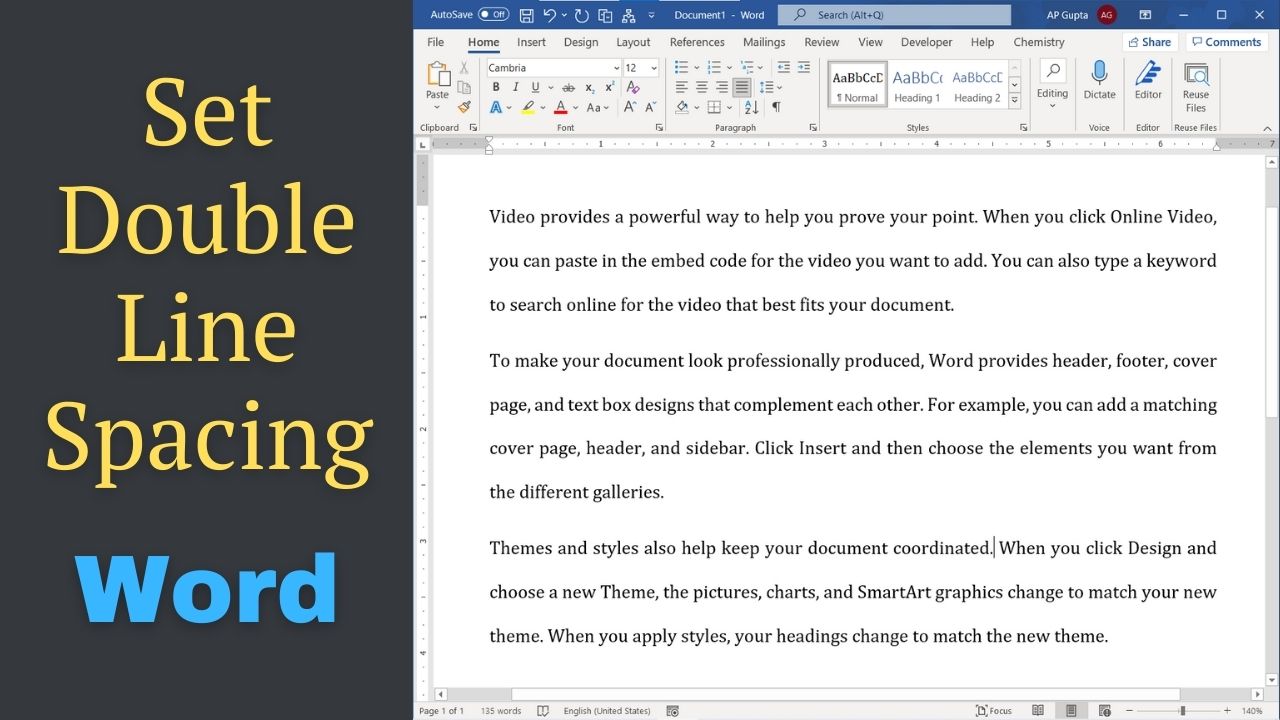
Quick answer: To double-space text in Microsoft Word, select the paragraphs and choose Home → Line and Paragraph Spacing → 2.0. In desktop Word for Windows, Ctrl+2 is a fast alternative. Double spacing affects the distance between lines within paragraphs; extra space before or after paragraphs is a separate setting. Default spacing varies by Word version, document template, and style. Three Ways to Set Double Line Spacing in Word Method… Read More »How to Double Space in Microsoft Word: 3 Easy Methods