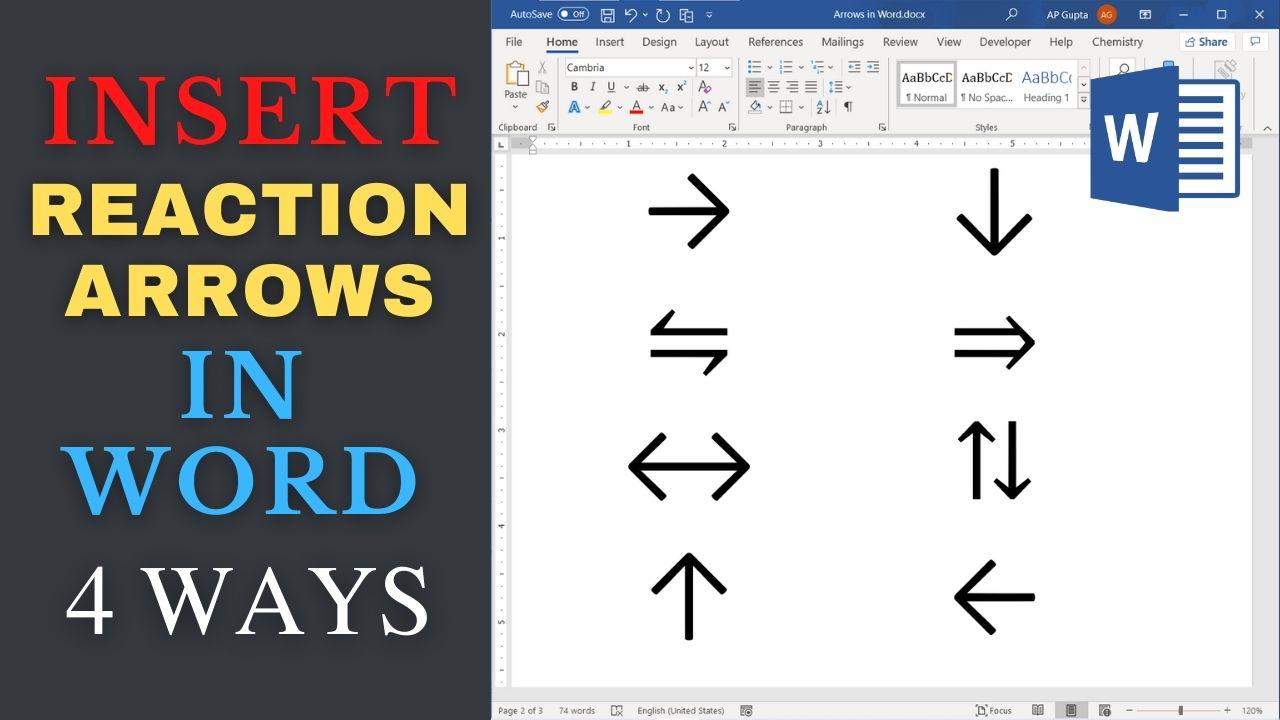
Learn to insert reaction and equilibrium arrows in Word and choose the right symbol for a chemical equation. How to insert reaction and equilibrium arrows in Word Four ways to insert arrows are Insert > Symbol, Math AutoCorrect in equations, Unicode Alt+X on Windows, and legacy numeric-keypad Alt codes. For reproducible symbols, use the Symbol dialog or Unicode Alt+X on Word for Windows. Method 1: Insert > Symbols It is… Read More »Reaction Arrows in Word: →, ⇌ and ⇄ for Chemistry
reversible arrow in word
To type chemical formulas and reaction arrows in Microsoft Word, use the built-in equation editor for editable notation or apply subscript and superscript formatting in ordinary text. This guide explains H₂O, ionic charges, forward and equilibrium arrows, and reaction conditions above or below an arrow. Start with Word’s equation editor In Word for Windows, press Alt+= or choose Insert > Equation. In an equation, type H_2 followed by Space to… Read More »How to Type Chemical Equations and Reaction Arrows in Word
