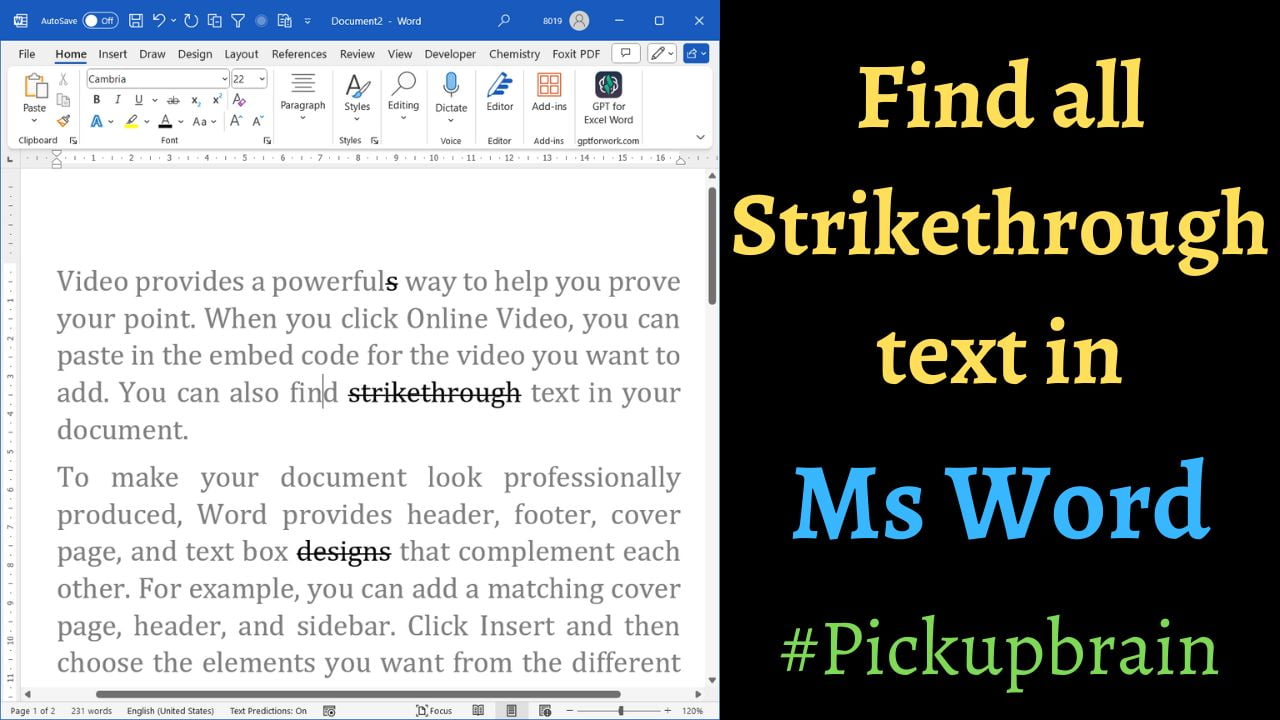
Quick answer: In desktop Word for Windows, press Ctrl+H, choose More → Format → Font, select Strikethrough, and click Find Next. Leave the Find what box empty to locate text with that formatting. The steps below show how to review matches and avoid confusing strikethrough with tracked deletions. Table of Contents Introduction Strikethrough is character formatting that draws a line through text without removing the characters. It can help mark… Read More »How to Find Strikethrough Text in Microsoft Word