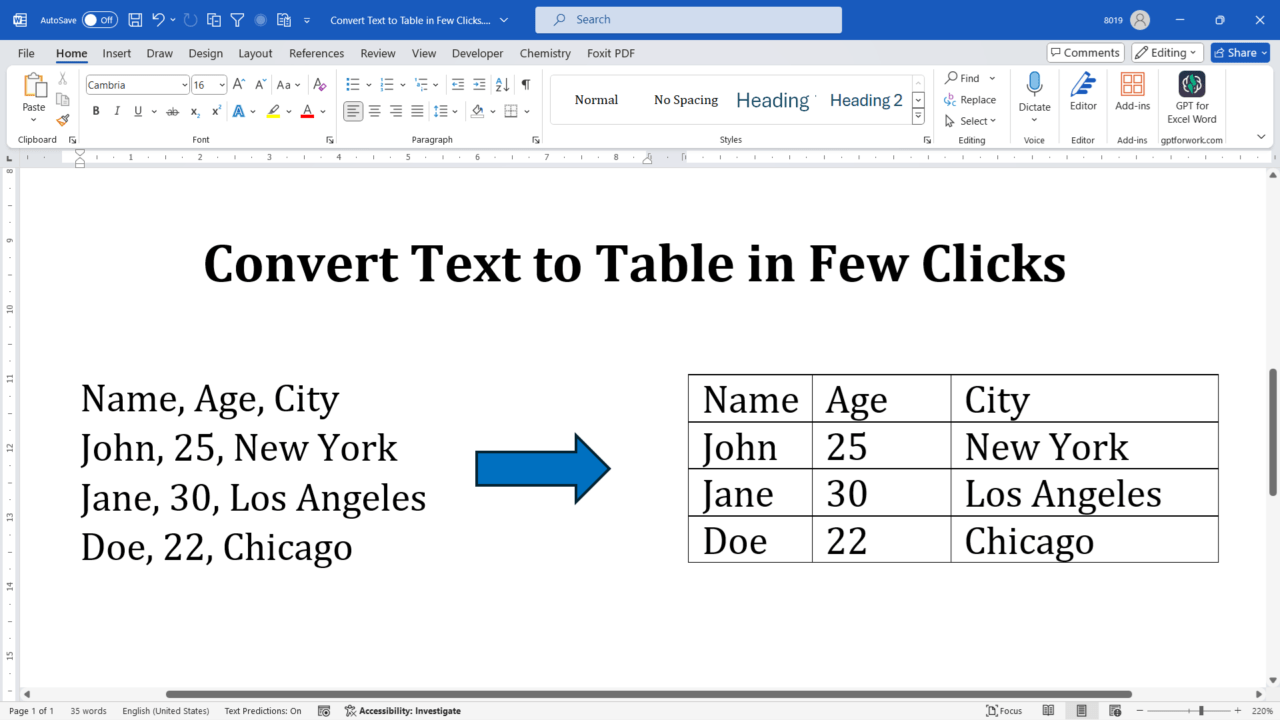
Quick answer: To convert text into a table in desktop Microsoft Word, separate the values in each row with tabs (or another consistent delimiter), select the text, and choose Insert → Table → Convert Text to Table. Set the number of columns and delimiter, then click OK. This guide includes examples and fixes for uneven columns. Convert text to a table in Word: step by step Step 1: Prepare Your… Read More »Convert Text to a Table in Word: Steps, Examples and Fixes