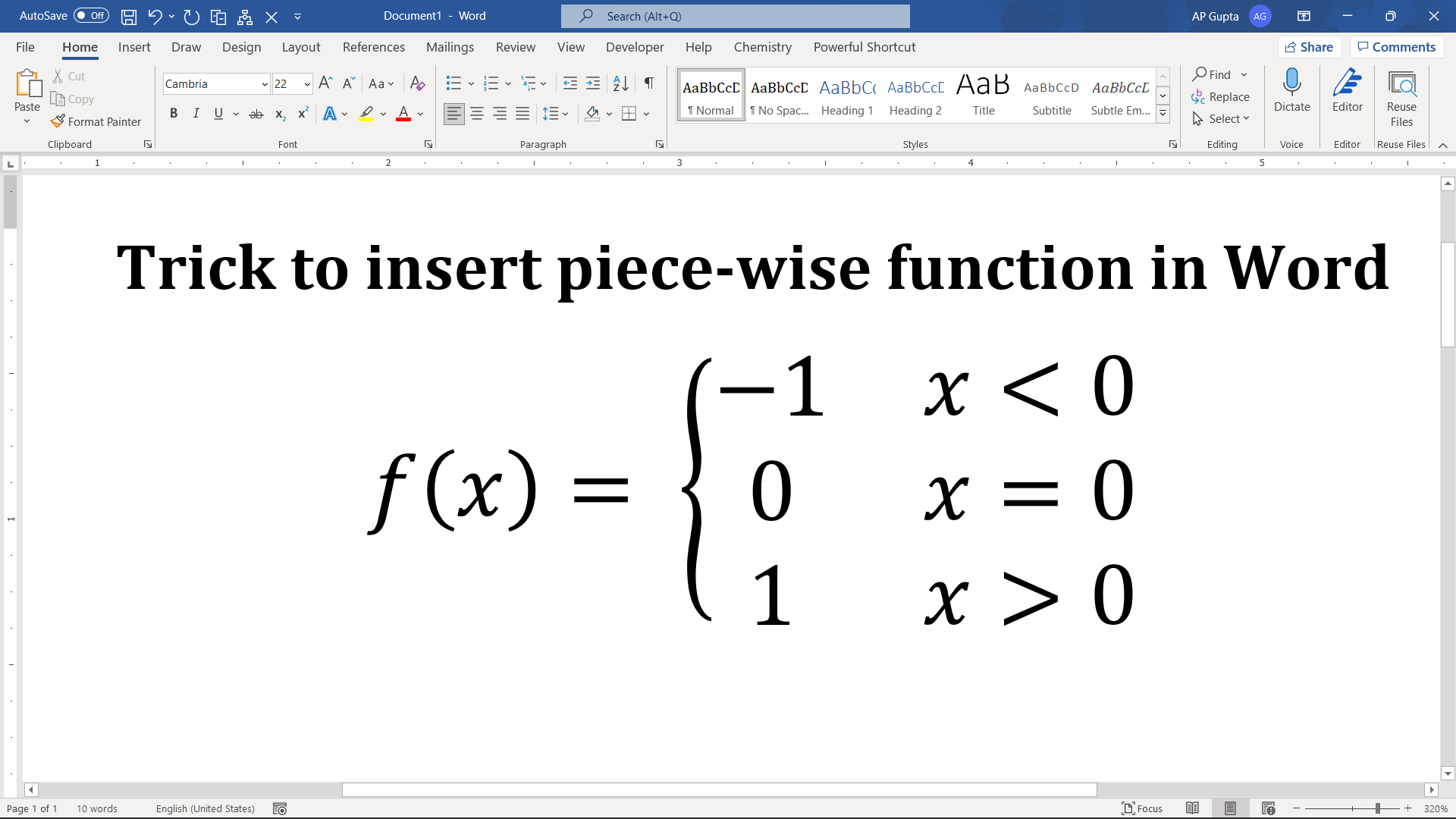
Create a properly aligned piecewise function in Word using the built-in equation editor, a left brace and a cases structure. Steps to insert piecewise function 1. Place the cursor at the location you need piecewise function. 2. Go to Insert > Equation to get equation editor. You can use shortcut “Alt+=” 3. Type the normal part of equation & to get piece wise function go to Equation > Brackets >… Read More »How to Insert a Piecewise Function in Microsoft Word