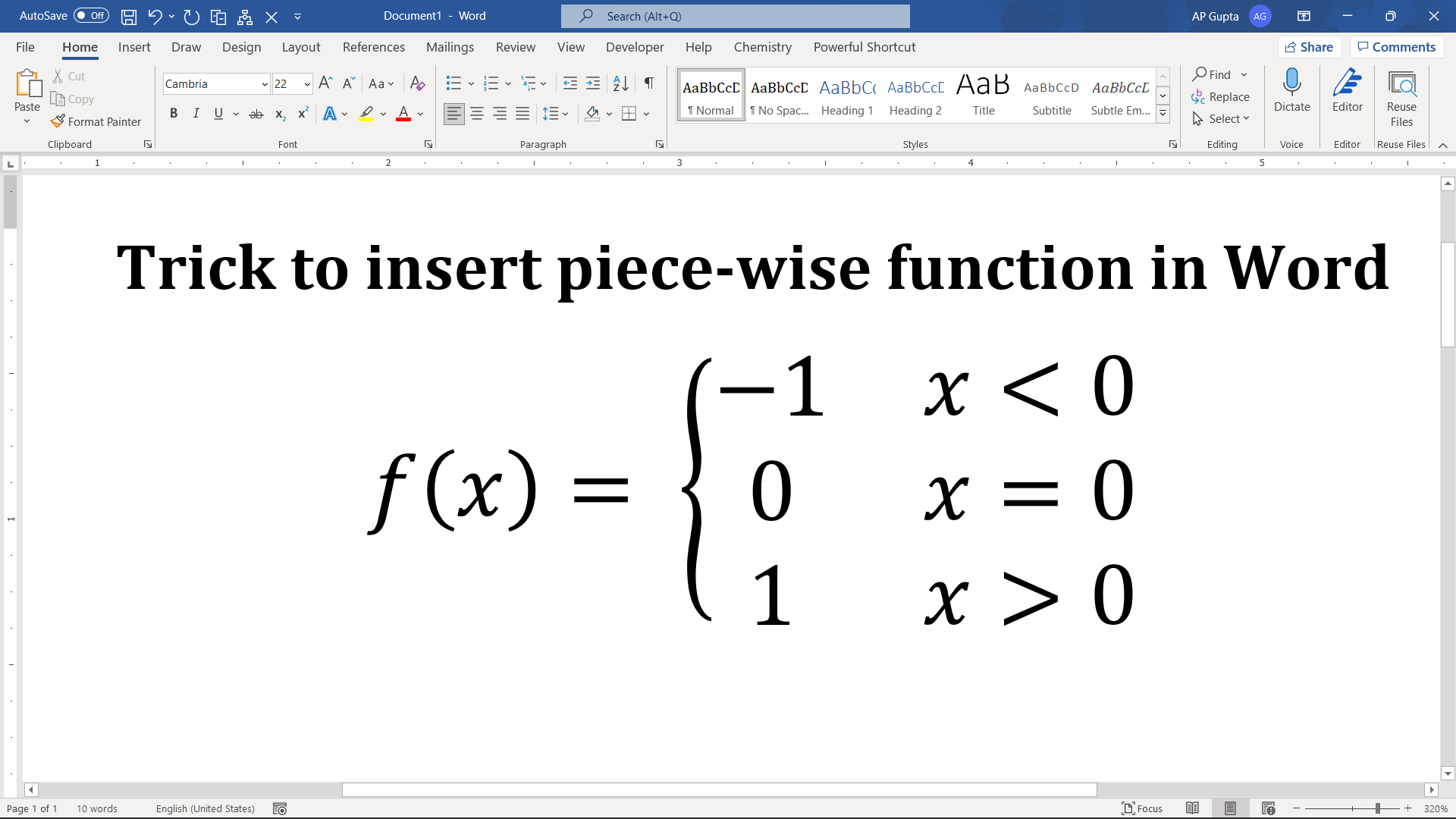
A piecewise function uses different formulas for different conditions, such as f(x) = x² when x ≥ 0 and f(x) = −x when x < 0. In Microsoft Word, build it with an equation and a cases or left-brace template, rather than spaces or a text box. The steps below apply primarily to desktop Word; ribbon names vary by version. Insert a piecewise function using Word’s equation editor Step 1.… Read More »How to Insert a Piecewise Function in Microsoft Word