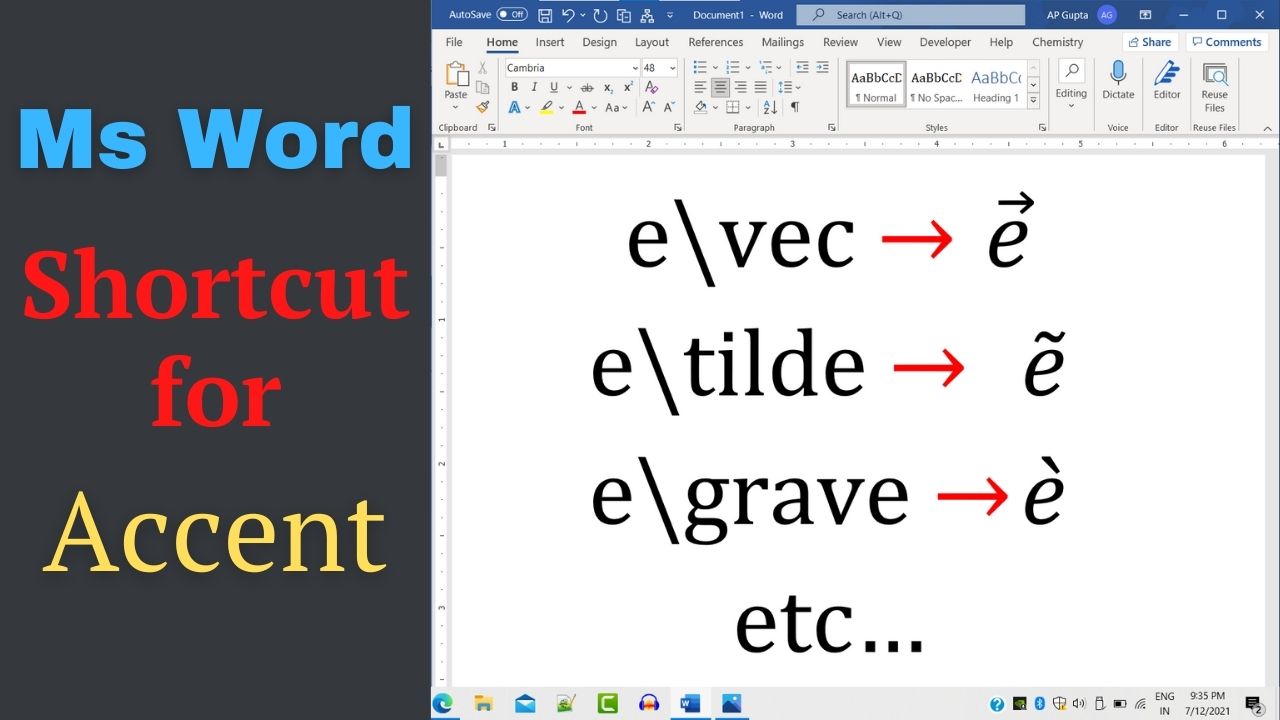
Quick answer: In desktop Microsoft Word, insert an equation with Alt+= on Windows, then use equation commands to add accents such as a vector arrow, hat, dot, bar or tilde. For example, \vec and \hat are common equation-input commands, but conversion depends on the selected equation format and Word version. The table below collects Word equation-editor shortcuts for vector arrows, hats, breves, dots, checks, tildes and bars. These are equation… Read More »Word Equation Accent Shortcuts: Vector, Hat, Bar, Dot and Tilde