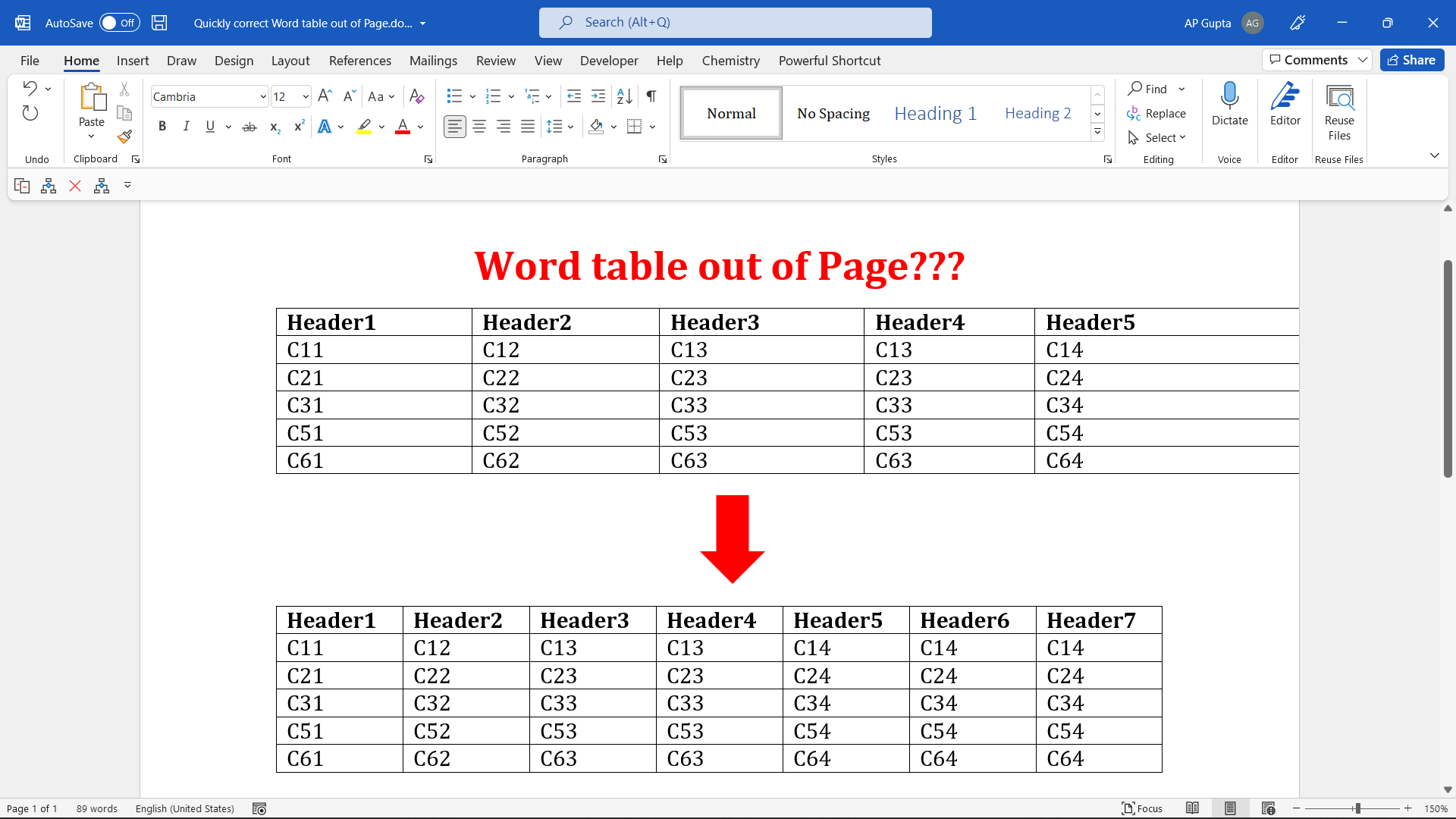
Quick answer: If a table extends beyond the right page margin in desktop Microsoft Word, click inside it and choose Table Layout → AutoFit → AutoFit Window. Word adjusts the table width to fit the available page area. If the table still overflows, check its preferred width, indentation, and long unbreakable cell contents. Click anywhere inside the table. If the table is partly off-screen, click a visible cell. On the… Read More »How to Fix a Word Table That Extends Beyond Page Margins
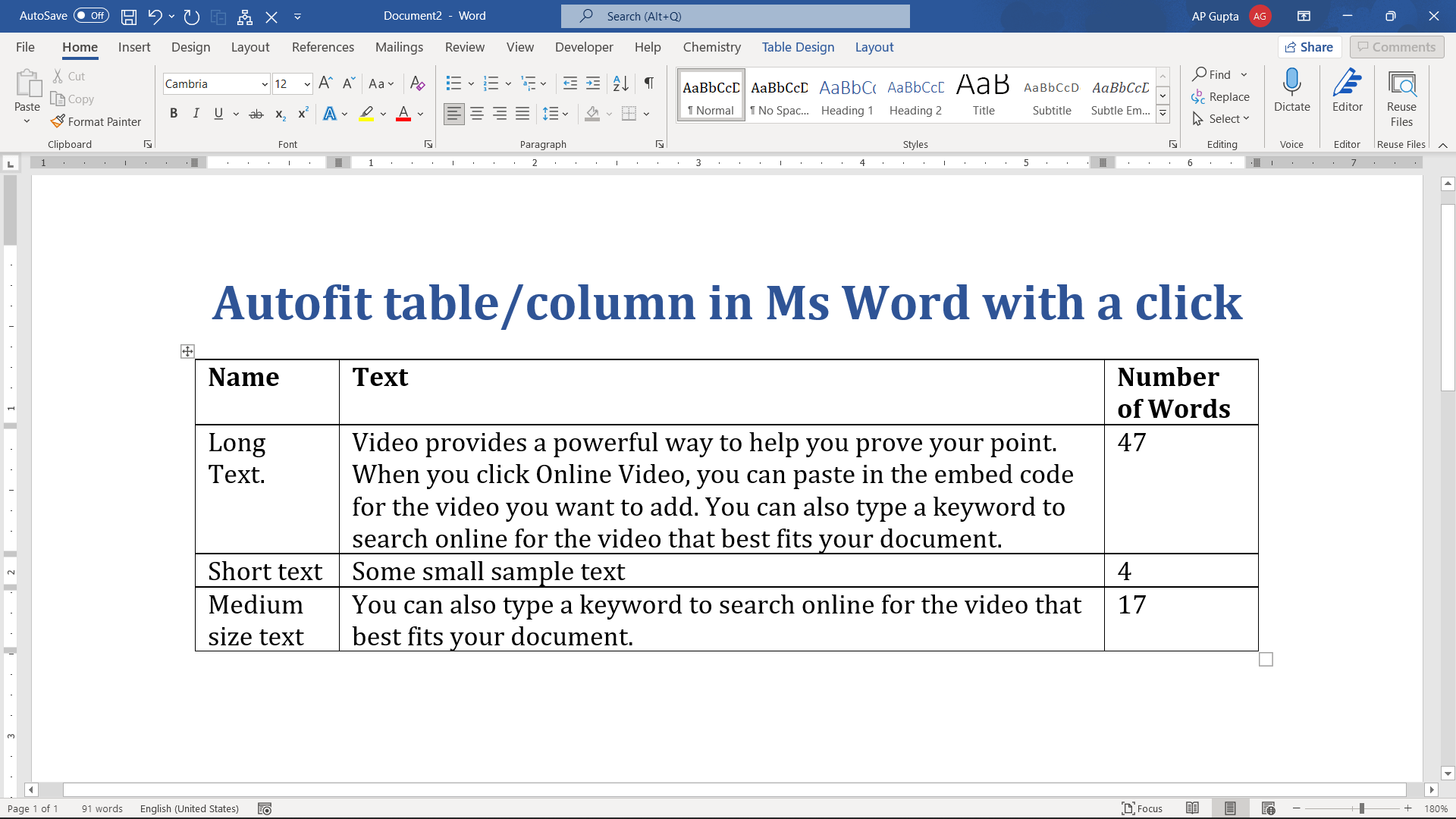
autofit window in word
Quick answer: To automatically size a Word table, click inside it, open Table Layout → AutoFit, then choose AutoFit Contents, AutoFit Window or Fixed Column Width. AutoFit Contents responds to cell content; AutoFit Window fits the table within the available page width. AutoFit Contents: resize columns around cell content Choose this option when you want Word to adjust column widths around text and objects in cells. Long words and large… Read More »AutoFit a Table in Word: Fit Contents, Window or Fixed Width
