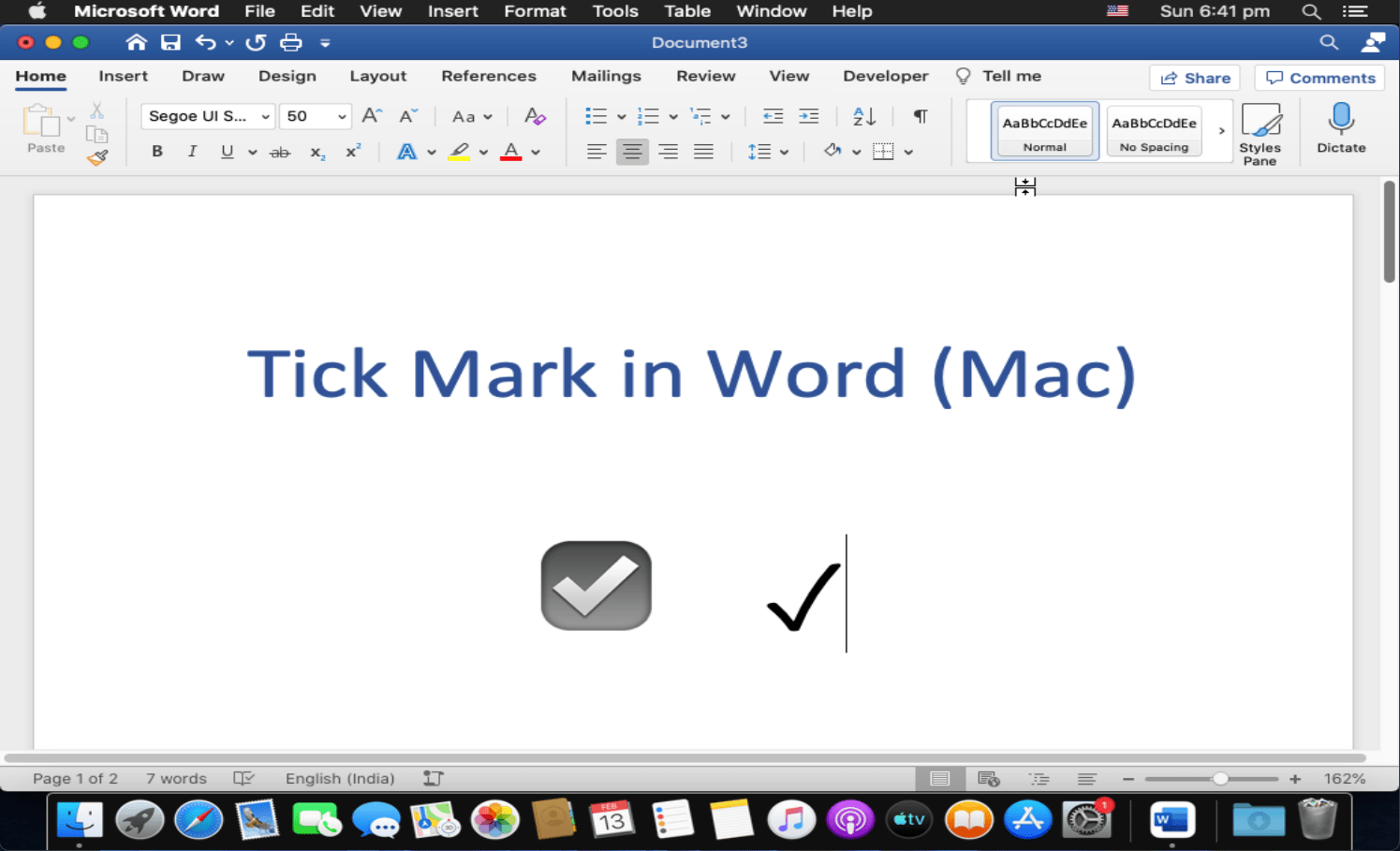
Quick answer: Copy ✓ (U+2713) into Word for Mac, or open the macOS Character Viewer (Control+Command+Space on many Macs), search for check mark, and insert it. Word’s Insert → Advanced Symbol menu is another option in desktop versions that offer it. A tick character is not the same as a clickable checkbox. Choose ✓ (U+2713) for a light check mark or ✔ (U+2714) for a heavier one. These Unicode characters… Read More »How to Insert a Check Mark (✓) in Word for Mac