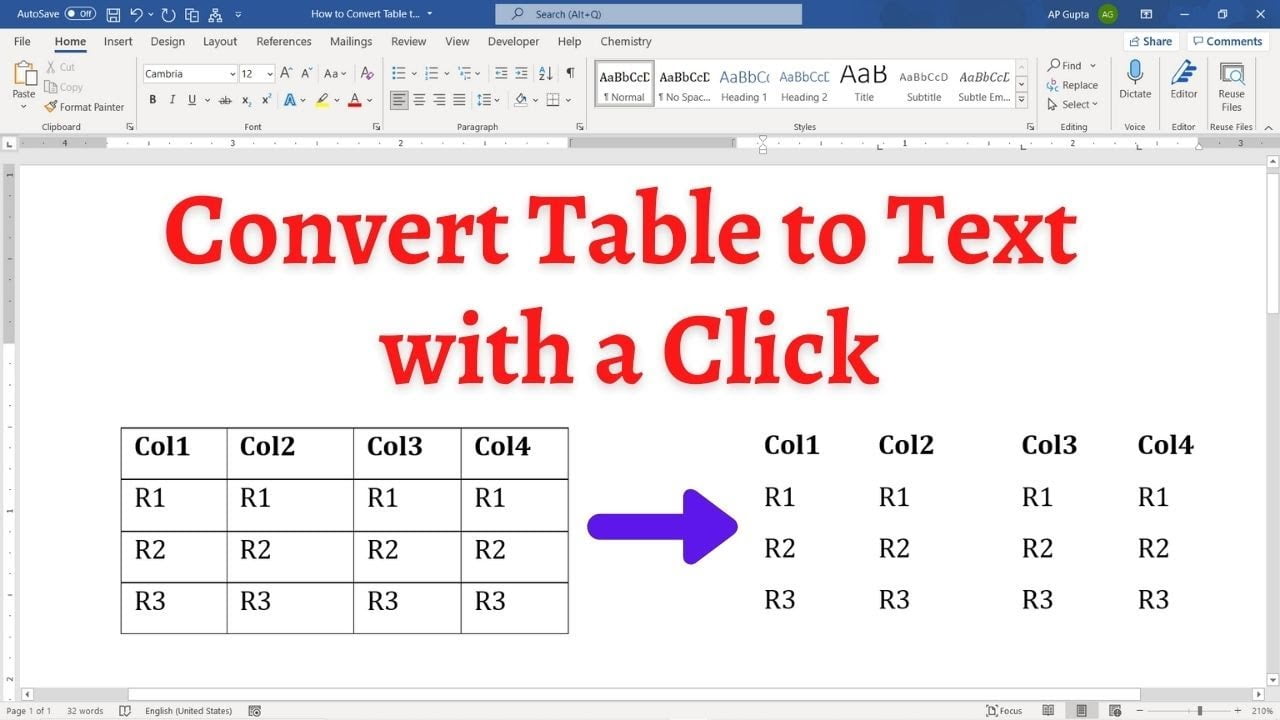
Quick answer: To convert a Word table into ordinary text, select the table, open the contextual Table Layout tab, and choose Convert to Text. Select a separator such as tabs or commas, then confirm. Word removes the table structure and places a separator between cell contents while keeping each table row on a separate line. Convert a Word Table to Text: Step-by-Step Select the table or the rows you want… Read More »How to Convert a Table to Text in Word (Windows and Mac)