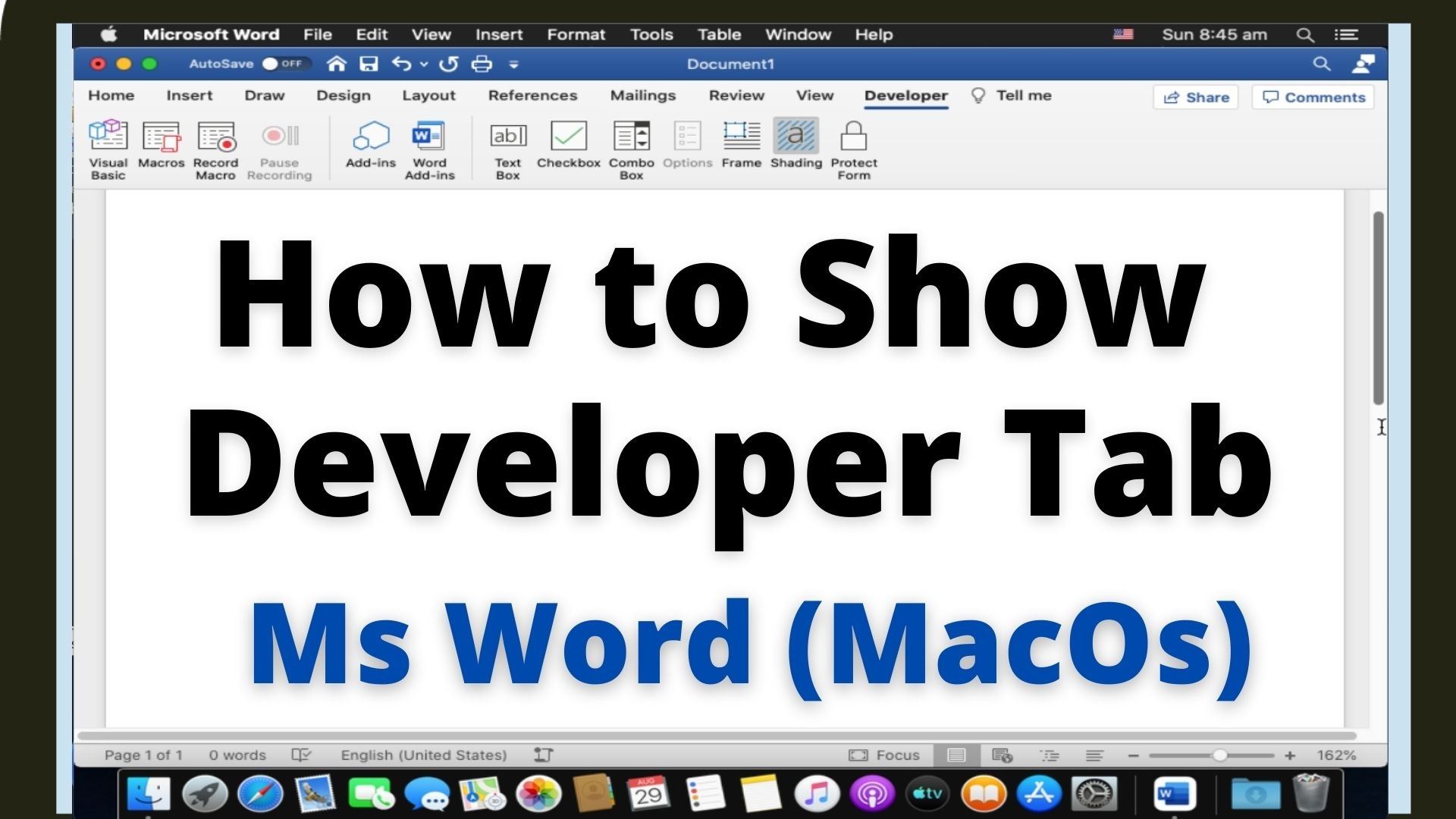
Quick answer: In desktop Microsoft Word for Mac, open Word → Settings (called Preferences in older versions), select Ribbon & Toolbar, and enable Developer under the main ribbon tabs. The Developer tab provides tools for macros, content controls and advanced document features. Use these steps in the installed Word for Mac application. Menu labels can differ slightly between Microsoft 365 and older Word releases. Step 1: With desktop Word open,… Read More »How to Enable the Developer Tab in Word for Mac