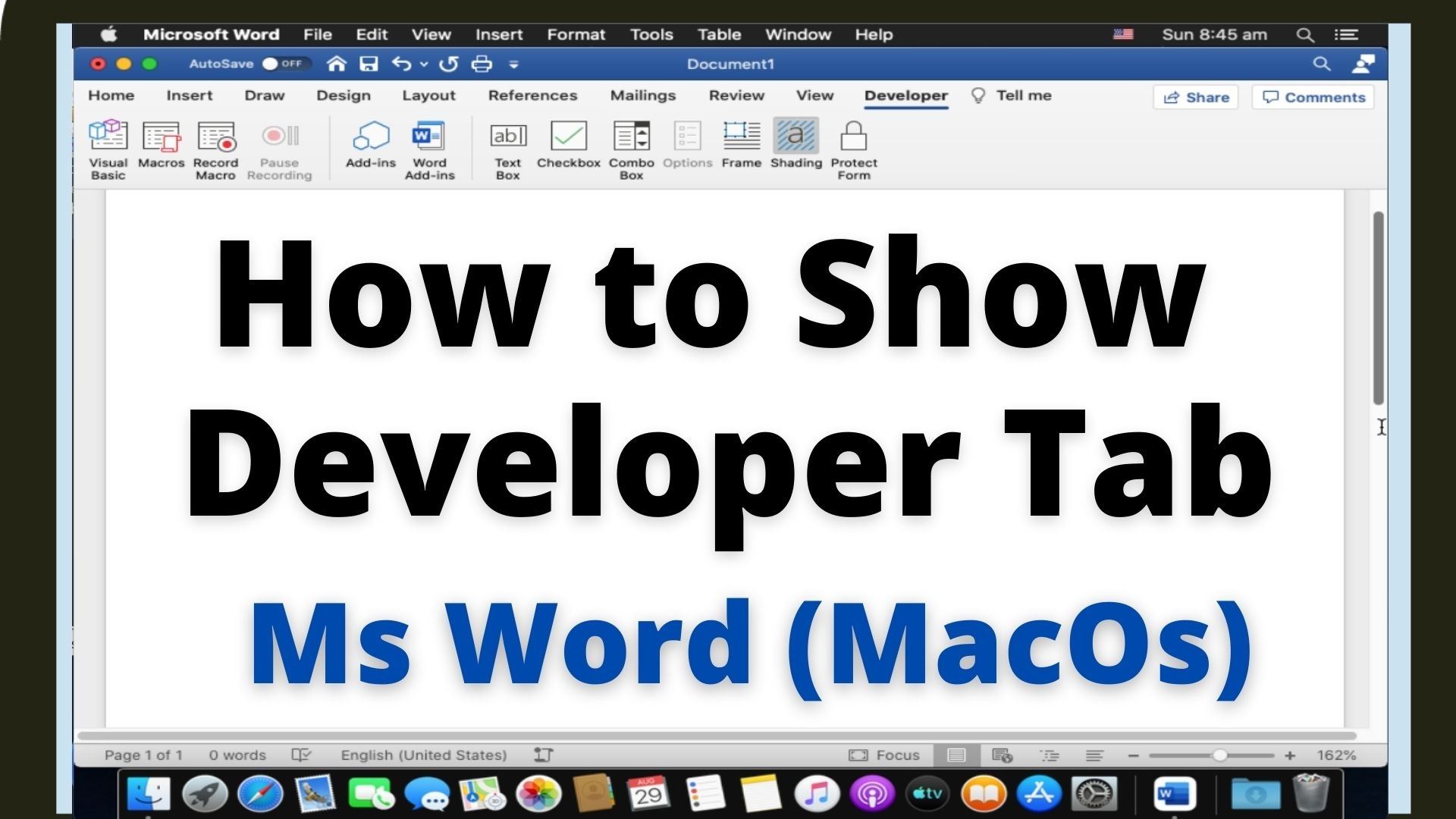
Quick answer: In desktop Microsoft Word for Mac, open Word → Settings (called Preferences in older versions), select Ribbon & Toolbar, and enable Developer under the main ribbon tabs. The Developer tab provides tools for macros, content controls and advanced document features. The following steps show how to add developer tab in Microsoft Word for Mac 1. Go to Microsoft Word > Preference to open Word Preference window. Alternatively, you… Read More »How to Enable the Developer Tab in Word for Mac