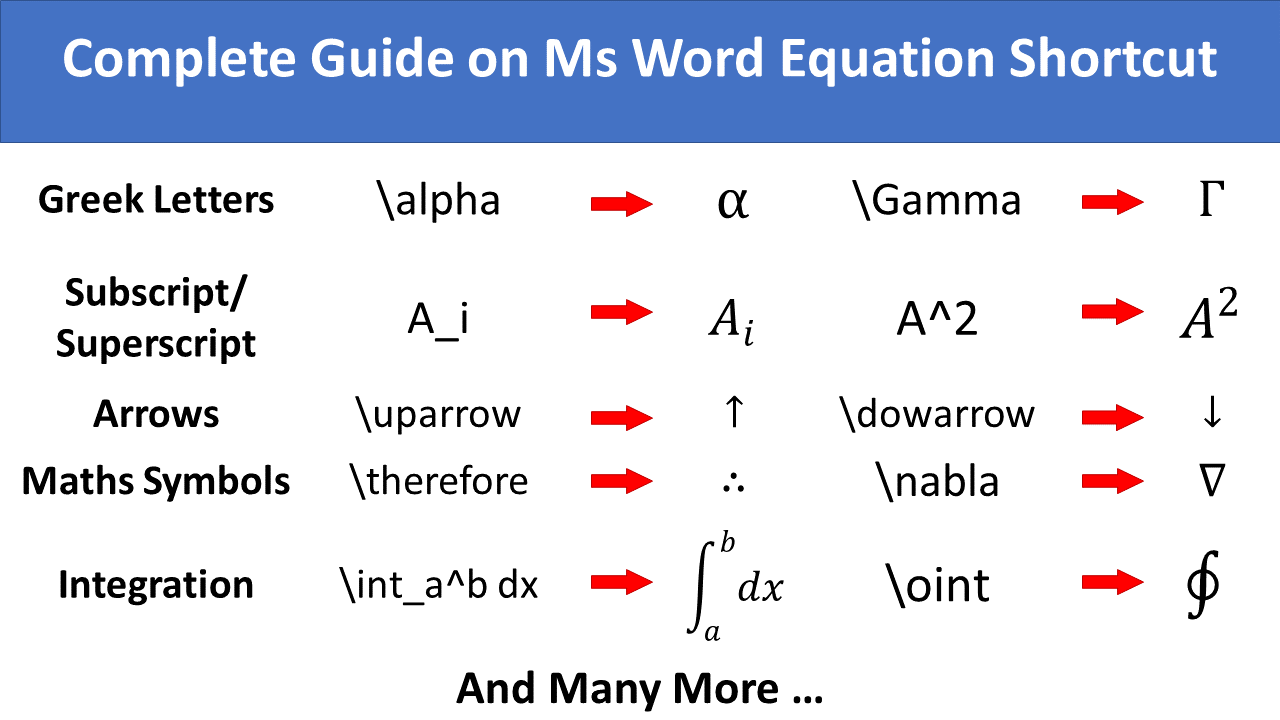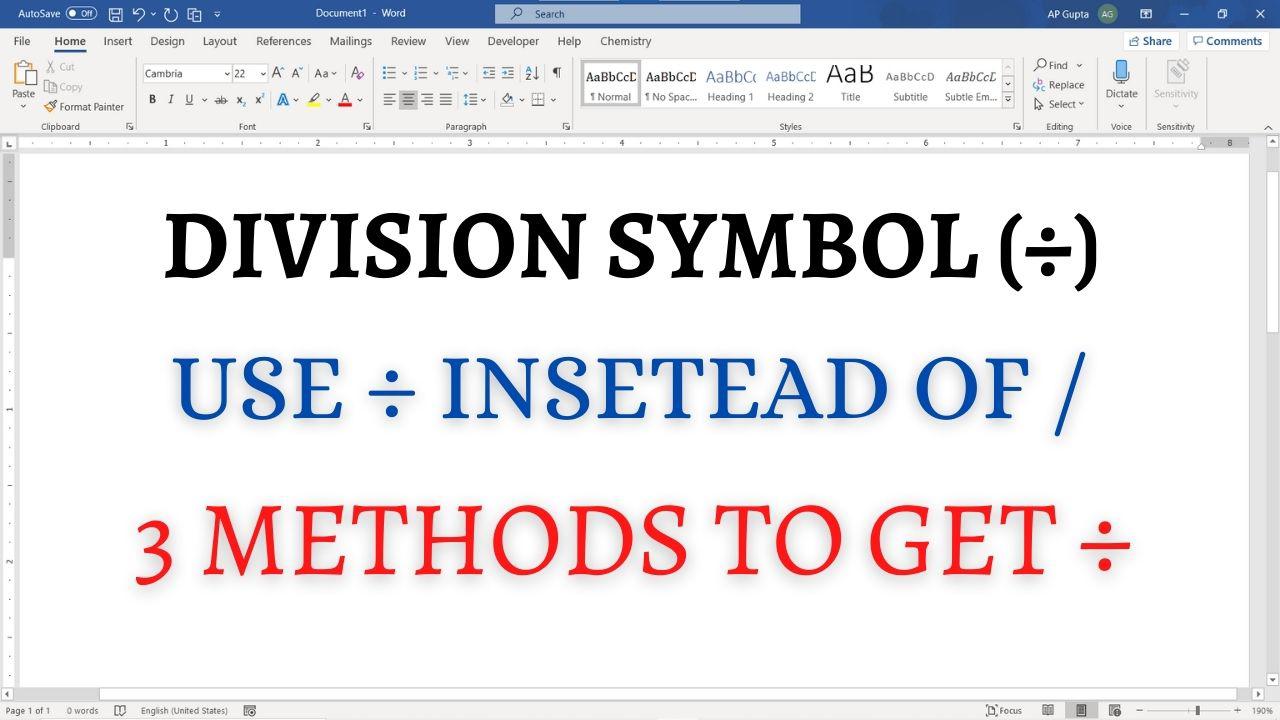
Quick answer: In desktop Word for Windows, type 00F7, then press Alt+X to convert the code to ÷. Alternatively, choose Insert → Symbol → More Symbols. On Mac or Word for the web, use the Symbol picker or paste ÷. Its Unicode code point is U+00F7. Method 1: Insert > Symbol Navigate to Insert Tab > Symbols and click on More Symbols.. to open Symbol window Select normal text in… Read More »How to Insert the Division Sign (÷) in Word: Symbol and Shortcuts