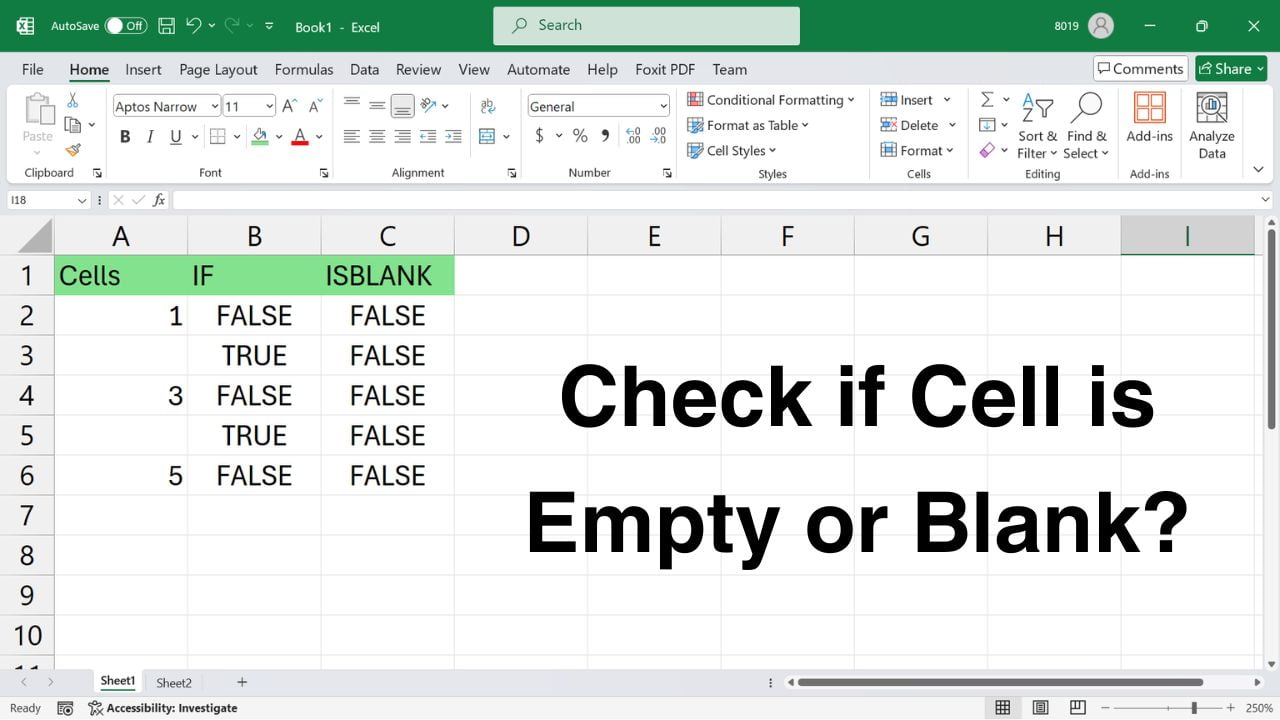
Quick answer: Use =ISBLANK(A2) to test whether an Excel cell is genuinely empty. Use =A2="" if you also want to treat a formula returning an empty string as blank. This guide explains both checks, practical IF formulas, and why cells that look empty may behave differently. Method 1: Check physically empty cells with ISBLANK Microsoft documents the blank-cell check in its IF and ISBLANK guidance. The formulas below work in… Read More »How to Check If an Excel Cell Is Blank: ISBLANK vs IF