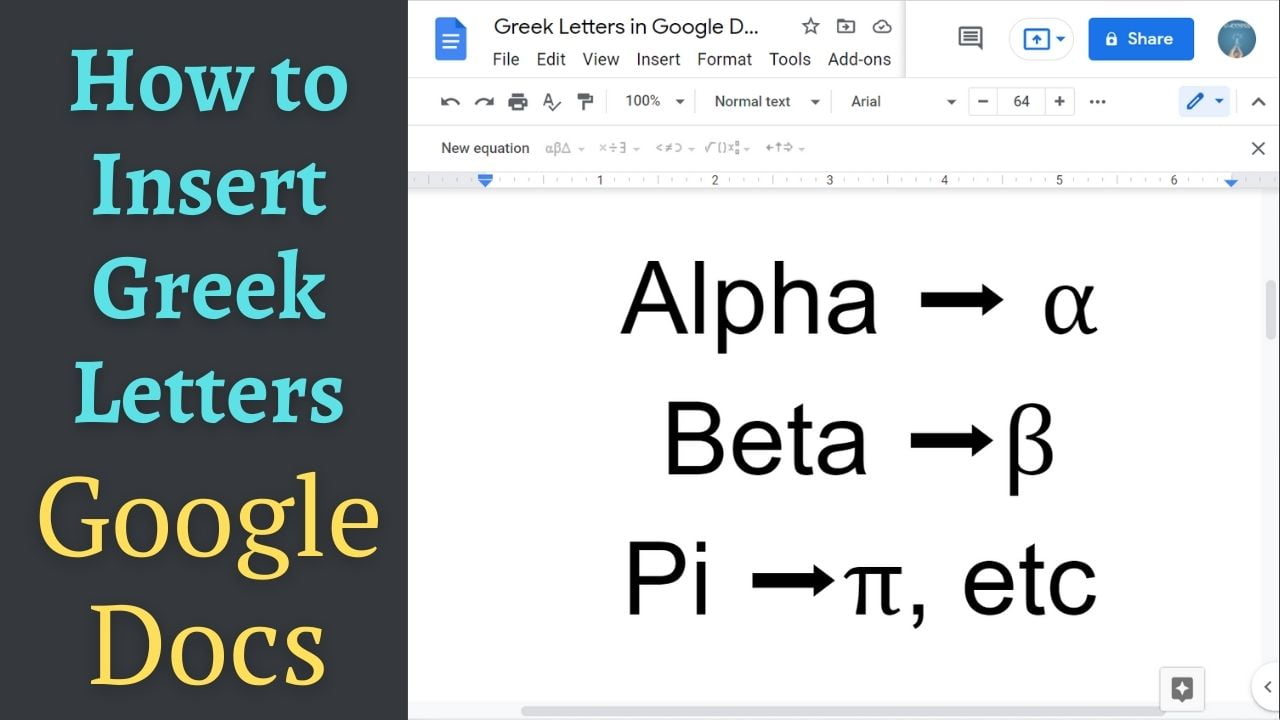
Quick answer: To insert a Greek letter in Google Docs, choose Insert → Special characters, search for the letter name (such as alpha, beta, pi or omega), and select the character. For repeated symbols, you can also configure substitutions in Tools → Preferences → Substitutions where available. Three ways to insert Greek letters in Google Docs Method 1: Insert → Special characters (recommended) In Google Docs on a desktop browser,… Read More »How to Insert Greek Letters in Google Docs (α, β, π, Ω)