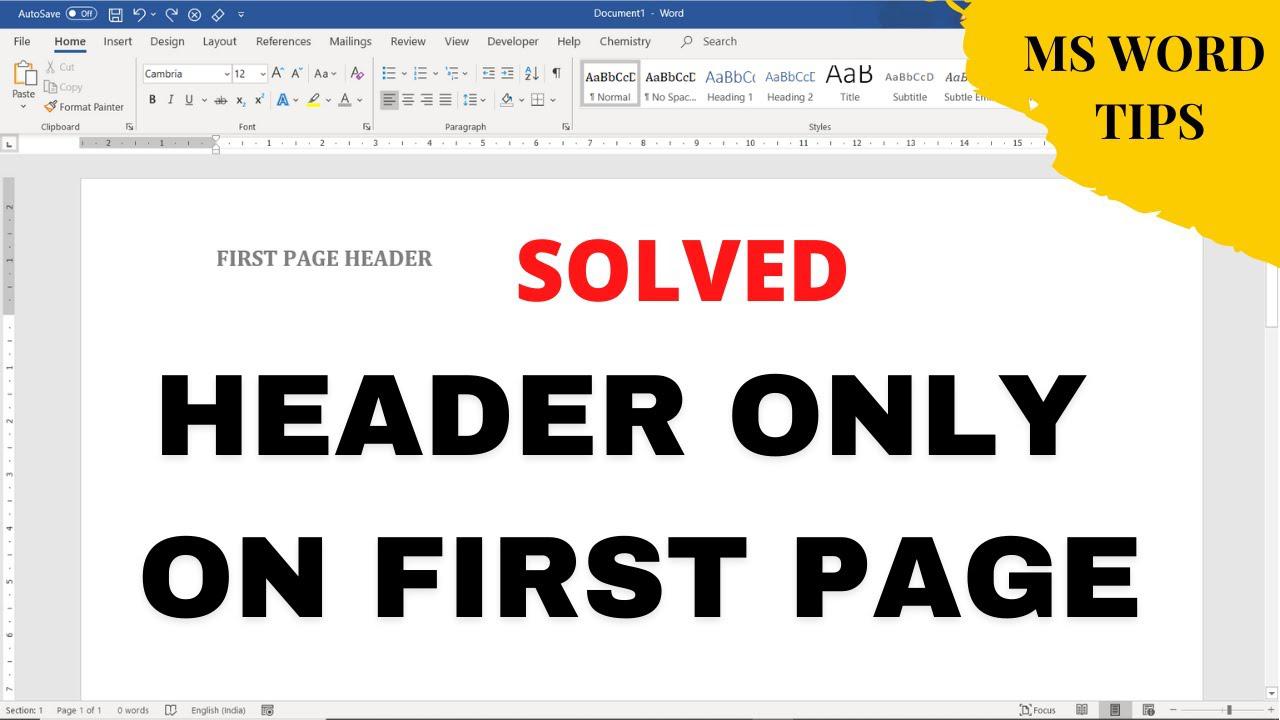
Quick answer: Open the header, enable Different First Page, and put the desired content in the first-page header. Leave the regular header blank so later pages do not repeat it. Steps to Insert Header Only on First Page The following method is described in Microsoft’s support guide for supported Word versions. Ribbon labels may differ between Windows, Mac and the web; use desktop Word for the fullest header and section… Read More »How to Show a Header Only on the First Page in Word