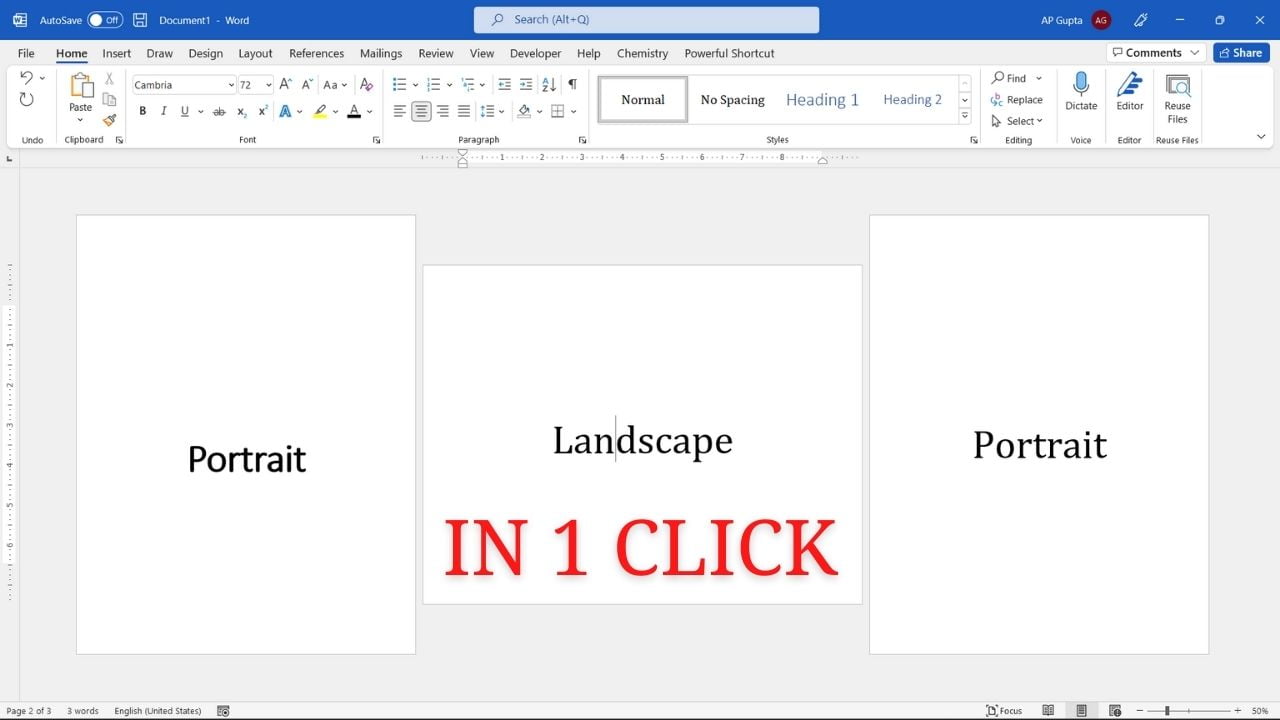
Quick answer: To make only selected content landscape in desktop Microsoft Word, select that content, open Layout → Page Setup, choose Landscape on the Margins tab, and set Apply to: Selected text. Word creates the section boundaries needed to change orientation without turning the whole document landscape. See the video demonstration below. Make Selected Content Landscape: Step by Step Step 1: Select the paragraphs, table, or image that should appear… Read More »How to Make Only One Page Landscape in Microsoft Word