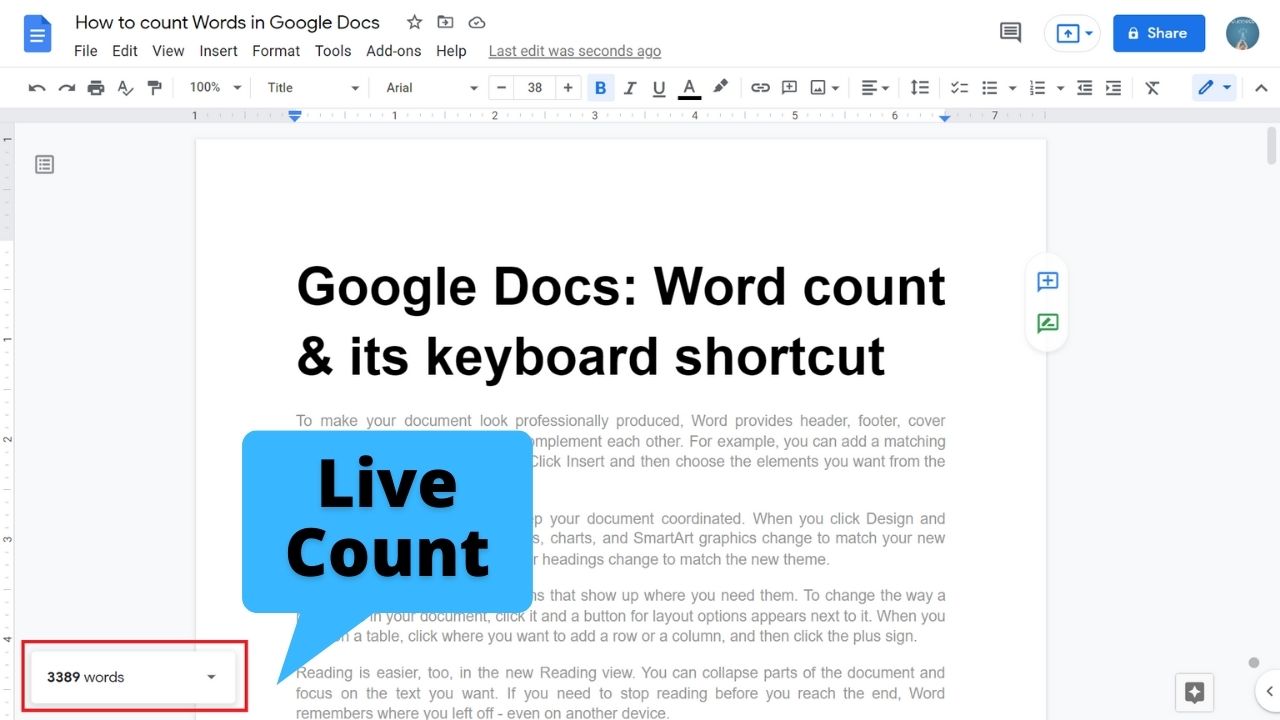
Quick answer: In Google Docs on a computer, choose Tools → Word count to see words, pages and characters. The keyboard shortcut is Ctrl+Shift+C on Windows/ChromeOS or ⌘+Shift+C on Mac. To keep the count visible while editing, select Display word count while typing in the dialog. The floating count is available in the desktop browser editor; menus and features may differ in the mobile apps. How to see word count… Read More »How to Check Word Count in Google Docs (Live Count and Shortcut)