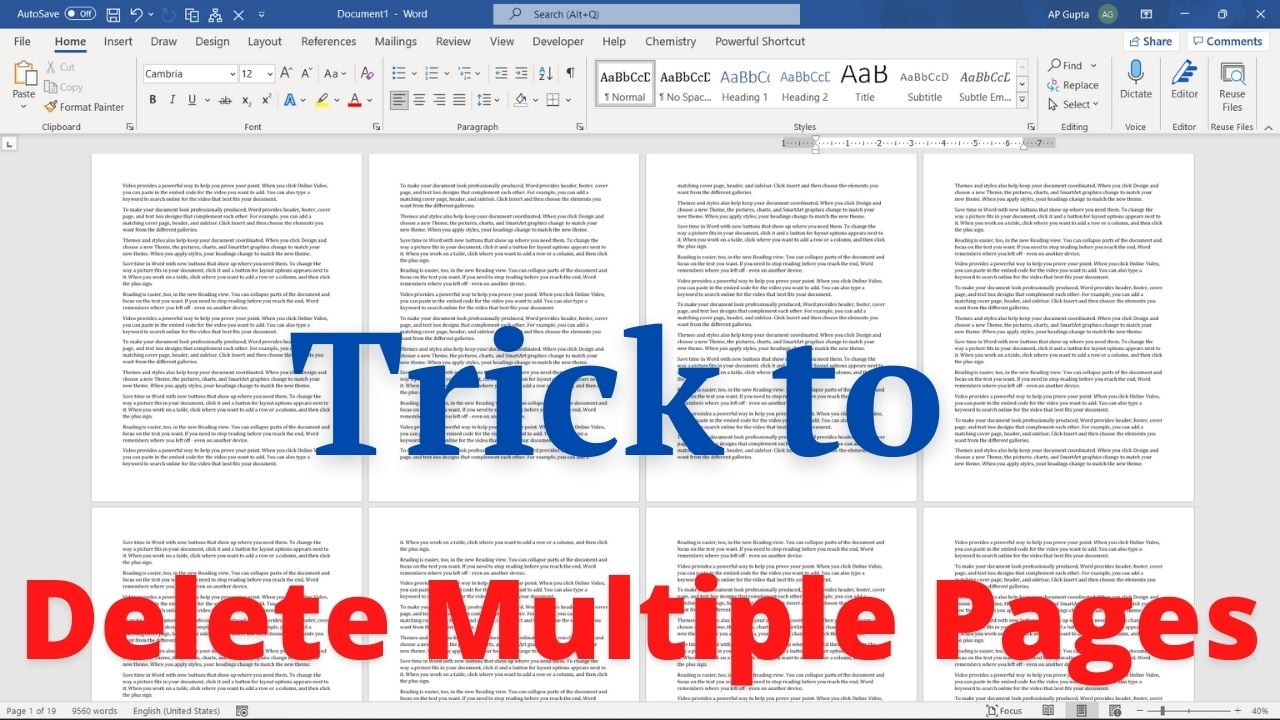
Delete a range of pages in Microsoft Word by selecting the content between two page boundaries, rather than searching for a nonexistent Delete Pages command. The following steps help you to delete a range of pages (say 10 through 25) in Ms Word Open Go To dialogue box using F5. Select page option if not selected by default. Enter 20 into the “Enter page number” and click Go To (or… Read More »Delete Multiple Pages in Word: Select a Page Range Safely