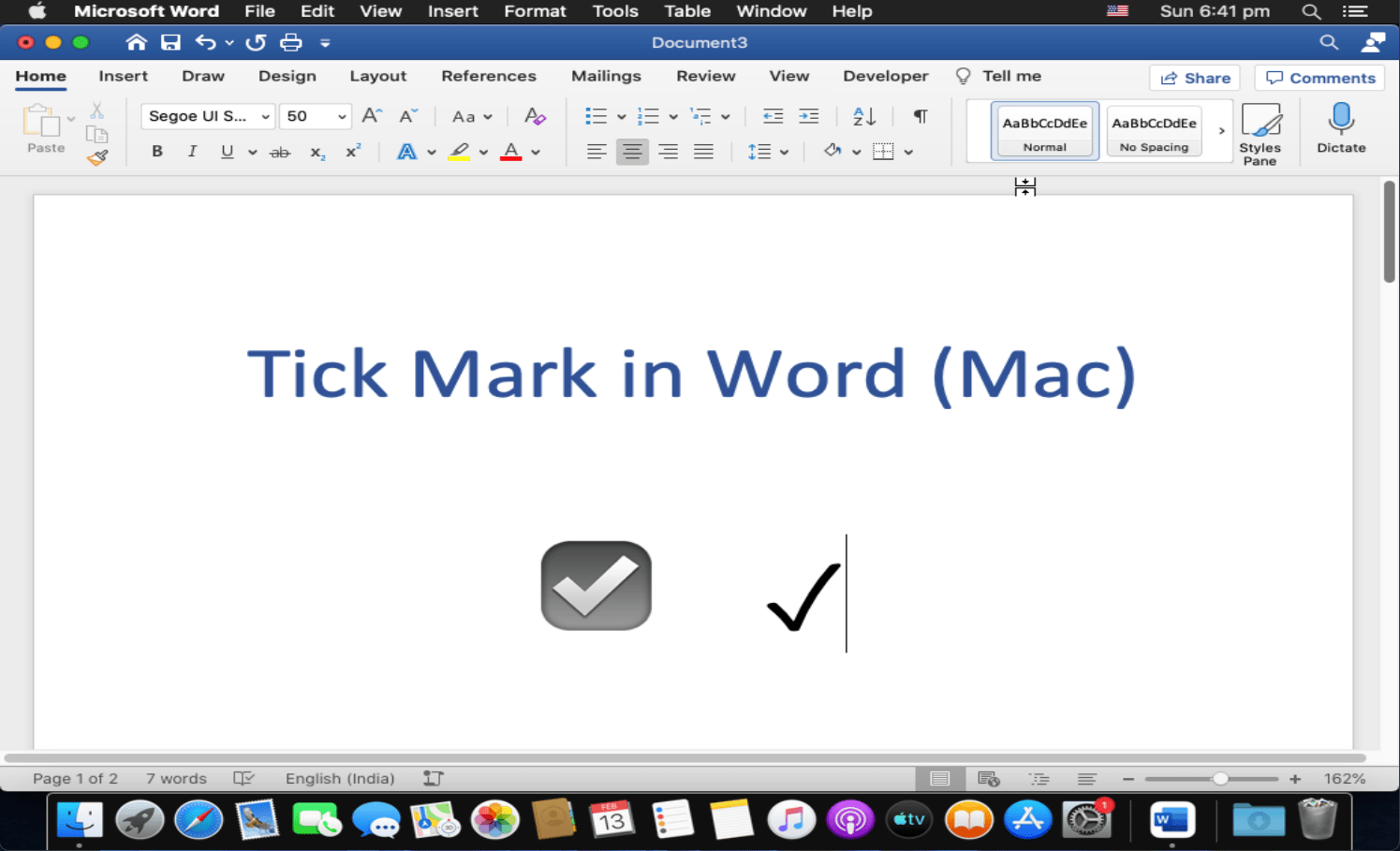
To insert a check mark in Word for Mac, copy and paste ✓ or use the macOS Character Viewer. Press Control+Command+Space where supported, search for “check mark,” then insert the symbol. You can also use Word’s Insert > Advanced Symbol or Symbol interface if available. To insert tick symbol (in Word for Mac), place the cursor at the desired location and use any of the following methods Method 1: Insert… Read More »How to Insert a Check Mark (✓) in Word for Mac