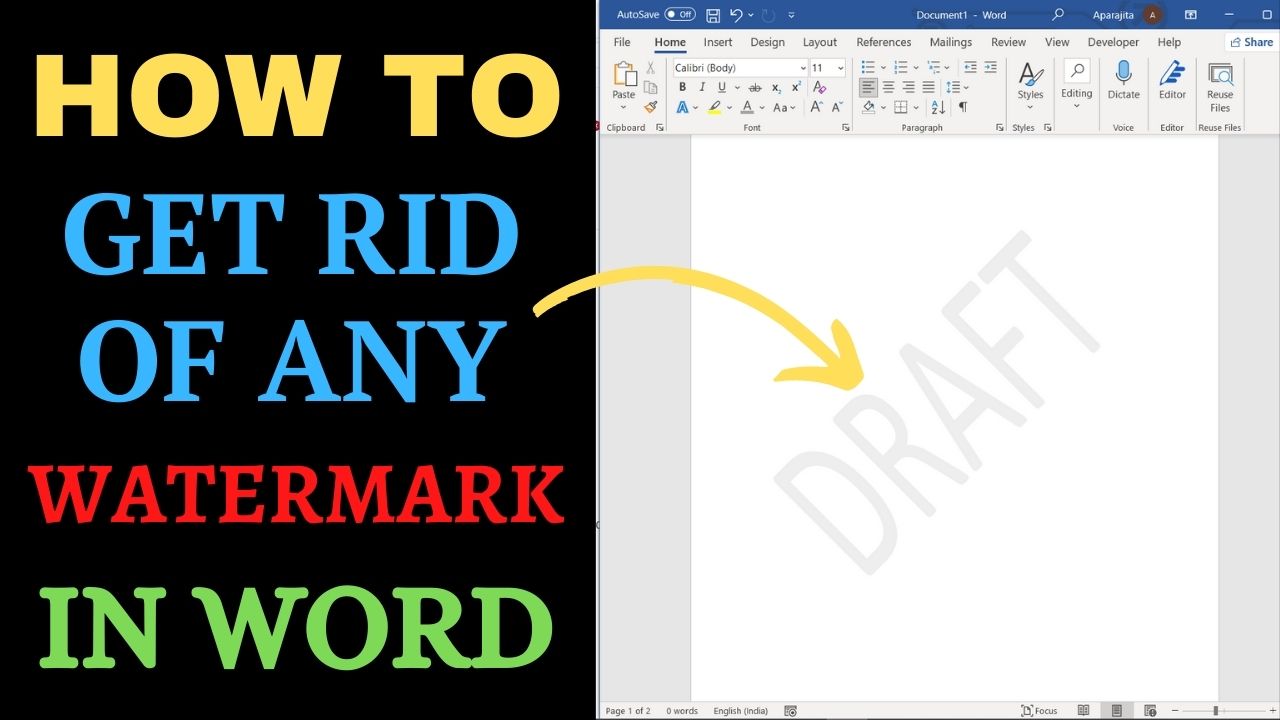
Quick answer: To remove a standard watermark in desktop Microsoft Word, open Design → Watermark → Remove Watermark. If it remains, double-click the header area, select the watermark object and press Delete. A watermark may be a text or image object stored in a header, so ordinary text selection may not work. Start with Word’s built-in watermark command. If it fails, inspect the header for a text box or picture.… Read More »How to Remove a Watermark in Word (Windows and Mac)