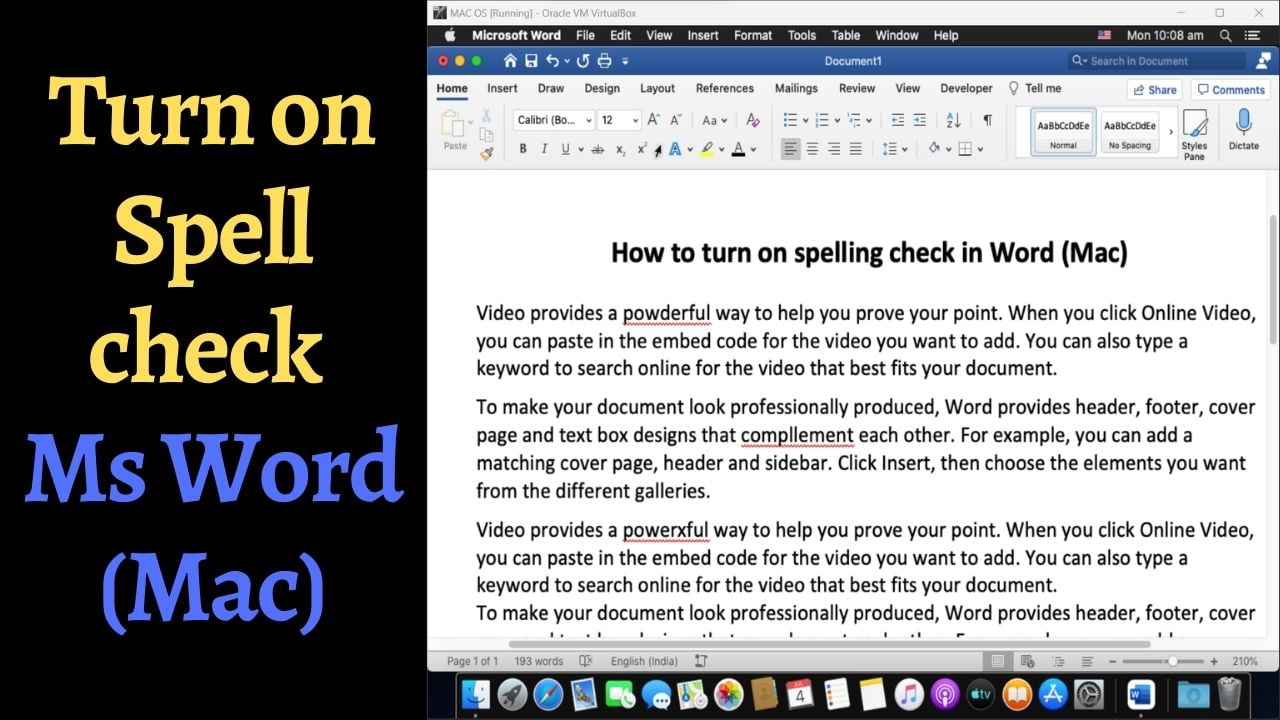
Quick answer: If Word for Mac does not underline misspelled words, first check whether proofing is disabled for the selected text. Then open Word → Settings (or Preferences) → Spelling & Grammar and enable Check spelling as you type. The menu wording can vary by Word version. These steps help distinguish document-specific proofing exclusions from application-wide spelling settings. 1. Enable spelling checks for the selected text Select the text on… Read More »Spell Check Not Working in Word for Mac? How to Turn It On