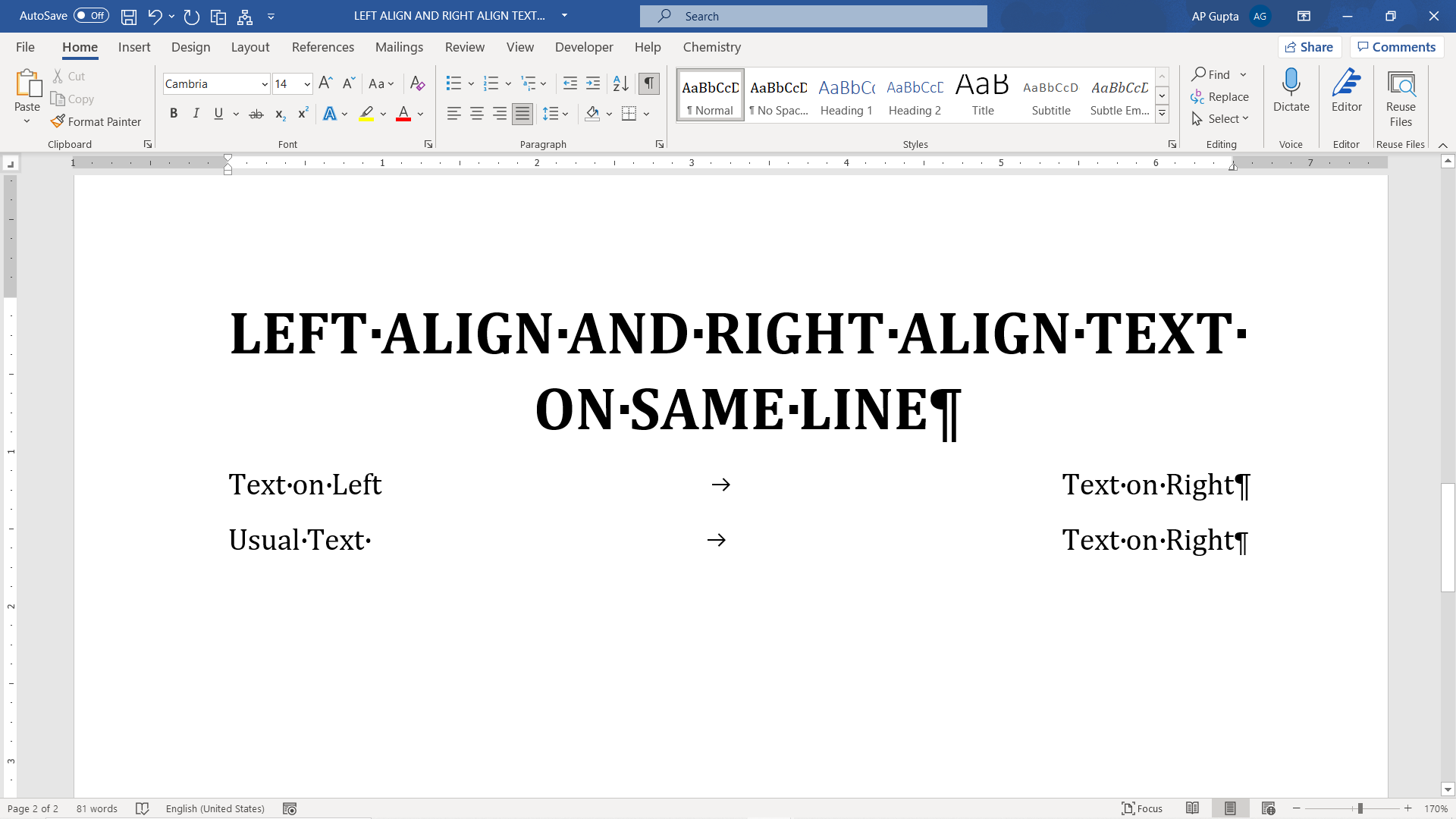
Quick answer: Use a right-aligned tab stop to put text on the left and right of the same Word paragraph. Turn on View → Ruler, choose a right tab stop, set it near the right margin, type the left text, press Tab, and type the right text. Set a right-aligned tab stop using the ruler 1: Make sure the “Ruler” is visible. Navigate to View Tab and check the box… Read More »Align Text Left and Right on the Same Line in Word