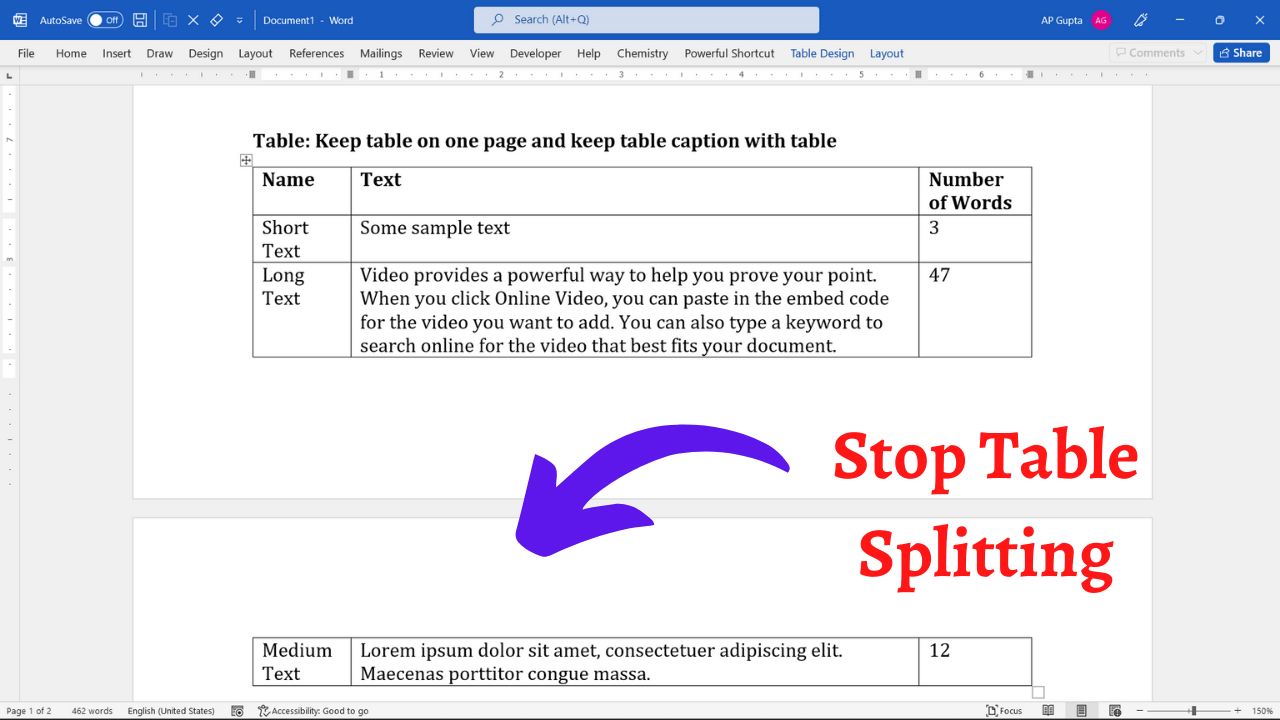
Quick answer: To keep a short table together on one page in Microsoft Word, select its rows, open Home → Paragraph → Line and Page Breaks, and enable Keep with next for the paragraphs in every row except the last. If the table is taller than the available page space, Word cannot fit it on one page without reducing its size, margins, or surrounding content. The steps below explain the… Read More »How to Keep a Table on One Page in Microsoft Word