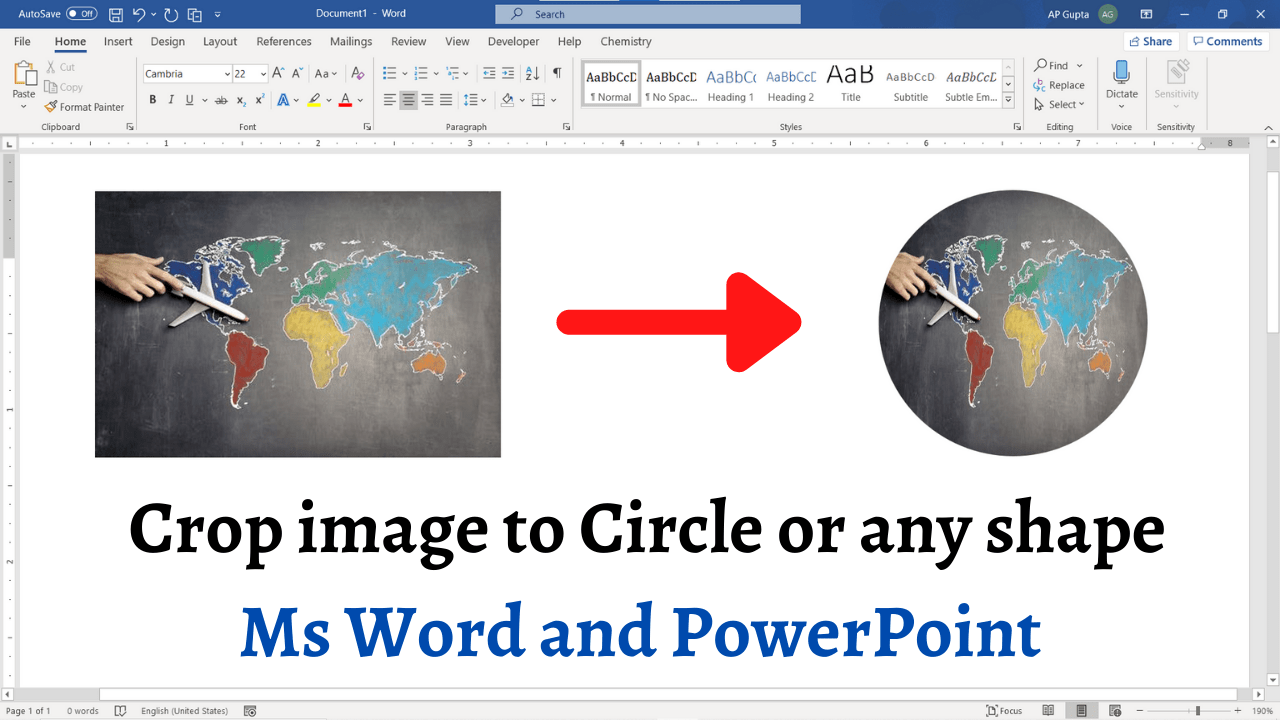
To crop a photo into a circle in recent desktop versions of Word or PowerPoint, select the image, choose Picture Format > Crop > Crop to Shape > Oval, then use Crop > Aspect Ratio > 1:1 for a true circle. You can also insert a shape and fill it with an image when that workflow is more suitable. Method 1: Fill a drawn shape with a picture Go to… Read More »How to Crop a Picture into a Circle or Shape in Word and PowerPoint