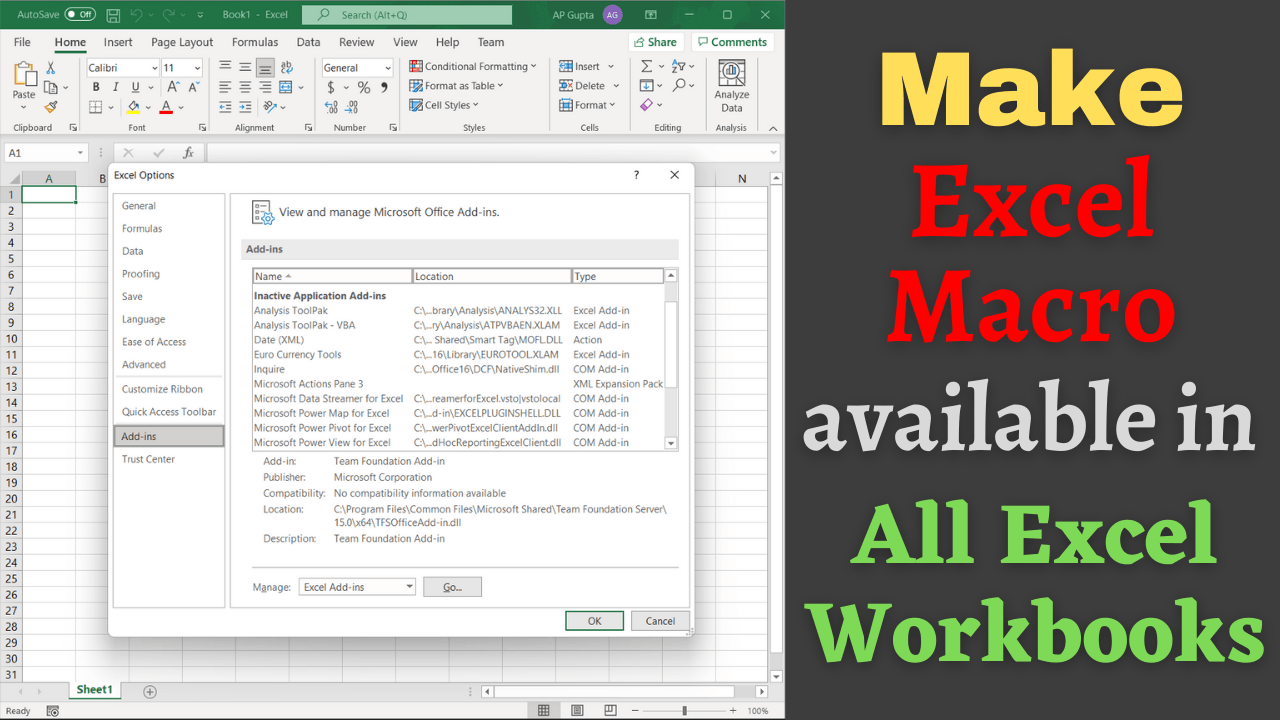
Make reusable Excel VBA procedures available across workbooks by using PERSONAL.XLSB or an Excel add-in (.xlam). Excel Macro is only available in the workbook on which we created it. However, with the following method you can make it available for all the workbooks/excel files. Steps to make Macro available in all Workbooks Open Visual Basic Editor by navigating Developer Tab > Visual Basic Create Module by going to Insert Tab… Read More »Make an Excel Macro Available in Every Workbook