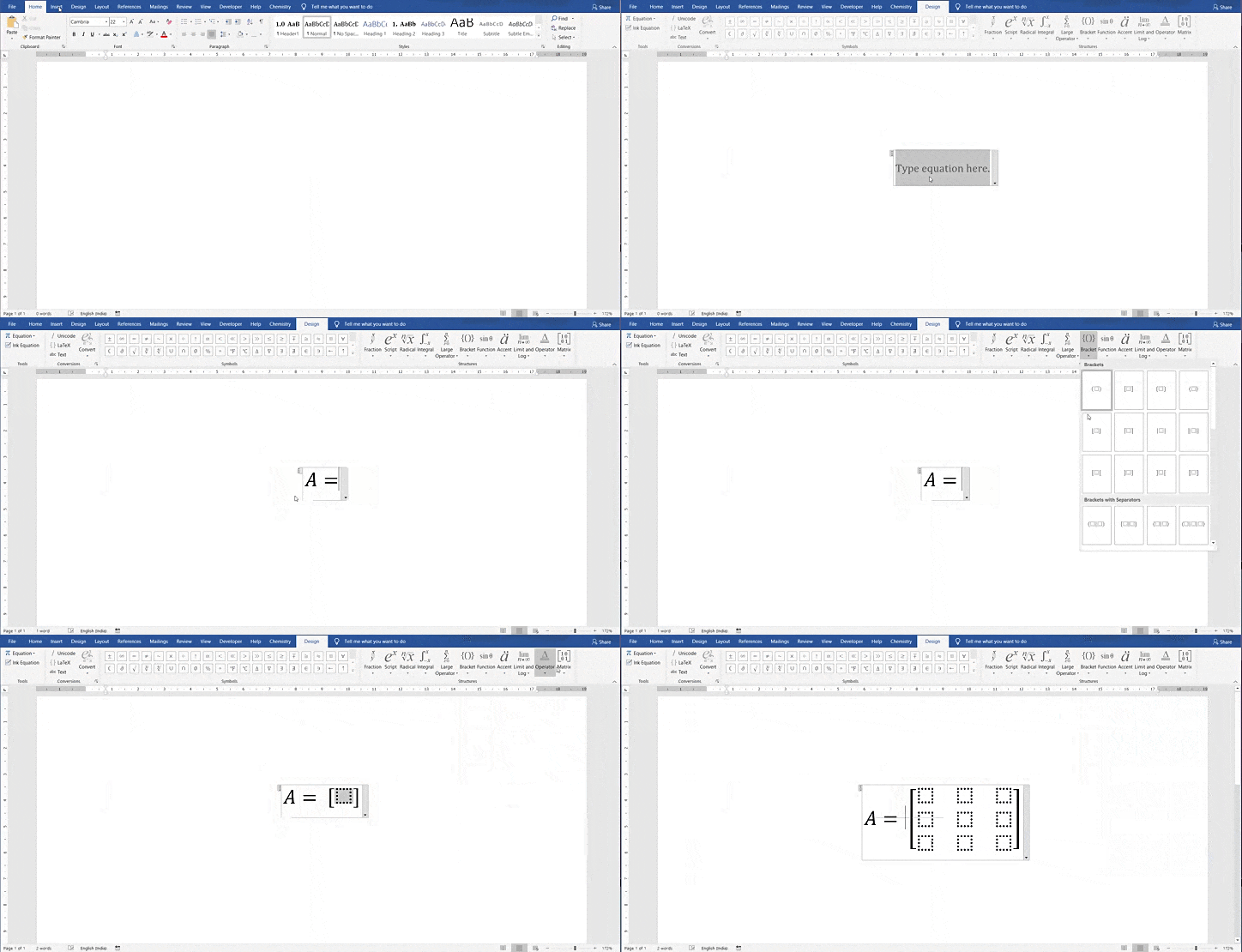
To insert a 4×4 matrix in Microsoft Word, the most reliable method is to use the built-in Equation gallery, choose a 3×3 matrix, then add one row and one column. On compatible desktop versions, UnicodeMath linear input can also create matrices quickly; it is not the same as typing a matrix into ordinary body text. Method 1: Build a 4×4 matrix with the Equation gallery Place the cursor where the… Read More »Insert a 4×4 Matrix in Word: Equation Editor and Linear Input