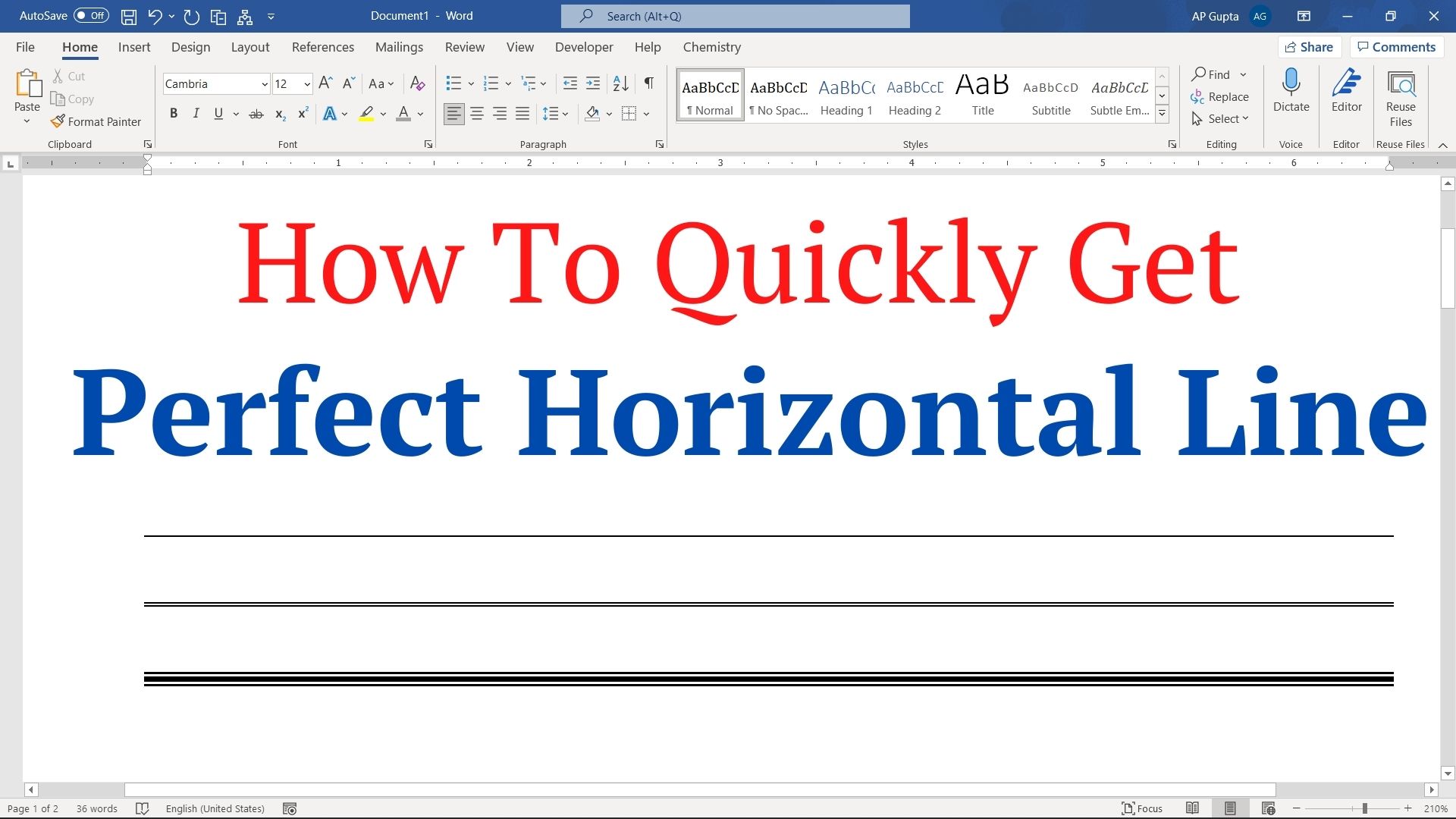
Quick answer: You can insert a horizontal line in Word using Insert → Shapes → Line, the Home → Borders → Horizontal Line command where available, or the AutoFormat shortcut: type three hyphens on a blank paragraph and press Enter. The shortcut creates a paragraph border, not an independent line shape. Method 1. Insert horizontal line using Shapes (common method but slow) To draw a horizontal line follow these steps.… Read More »How to Insert a Horizontal Line in Word: 3 Easy Methods