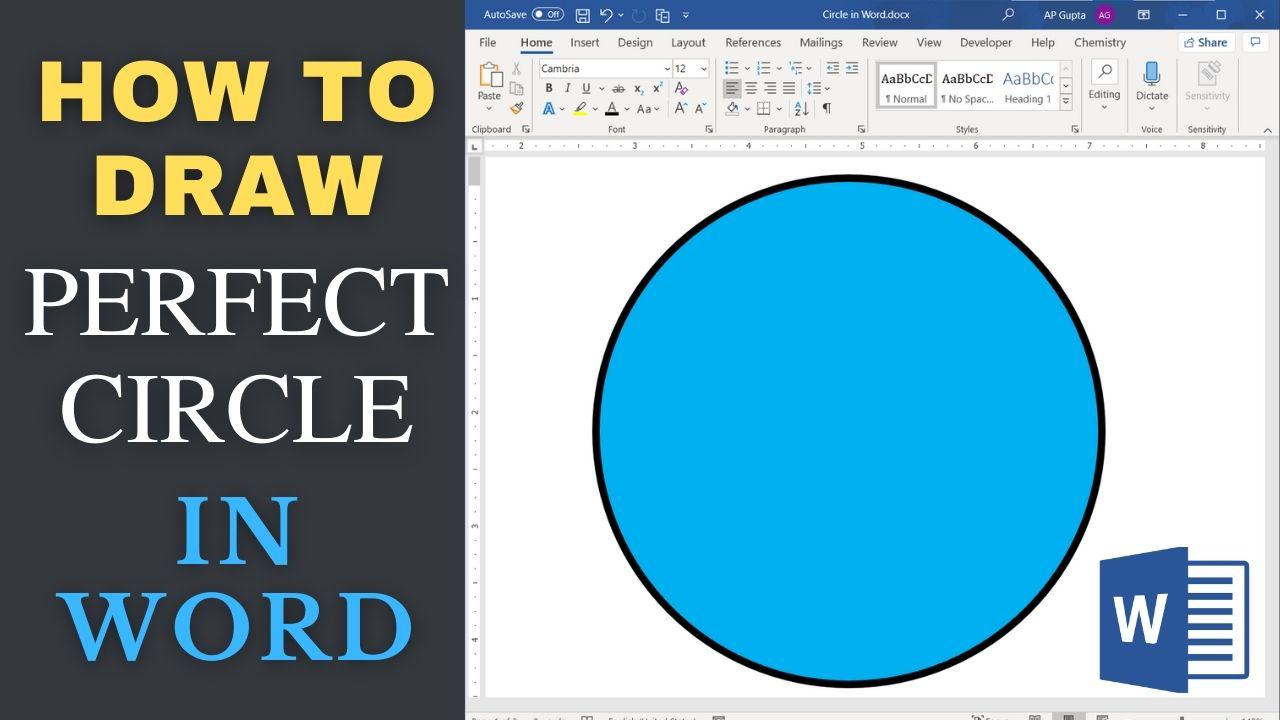
Quick answer: Choose Insert → Shapes → Oval and hold Shift while dragging to draw a circle. For exact dimensions, set the same Height and Width under Shape Format. Draw a Perfect Circle in Word or PowerPoint Open Insert > Shapes and choose Oval (under Basic Shapes). Click and drag on the page or slide. Hold Shift while dragging to constrain the oval to a circle. Release the mouse button… Read More »How to Draw a Perfect Circle in Word or PowerPoint