Skip to content

remove duplicate in excel

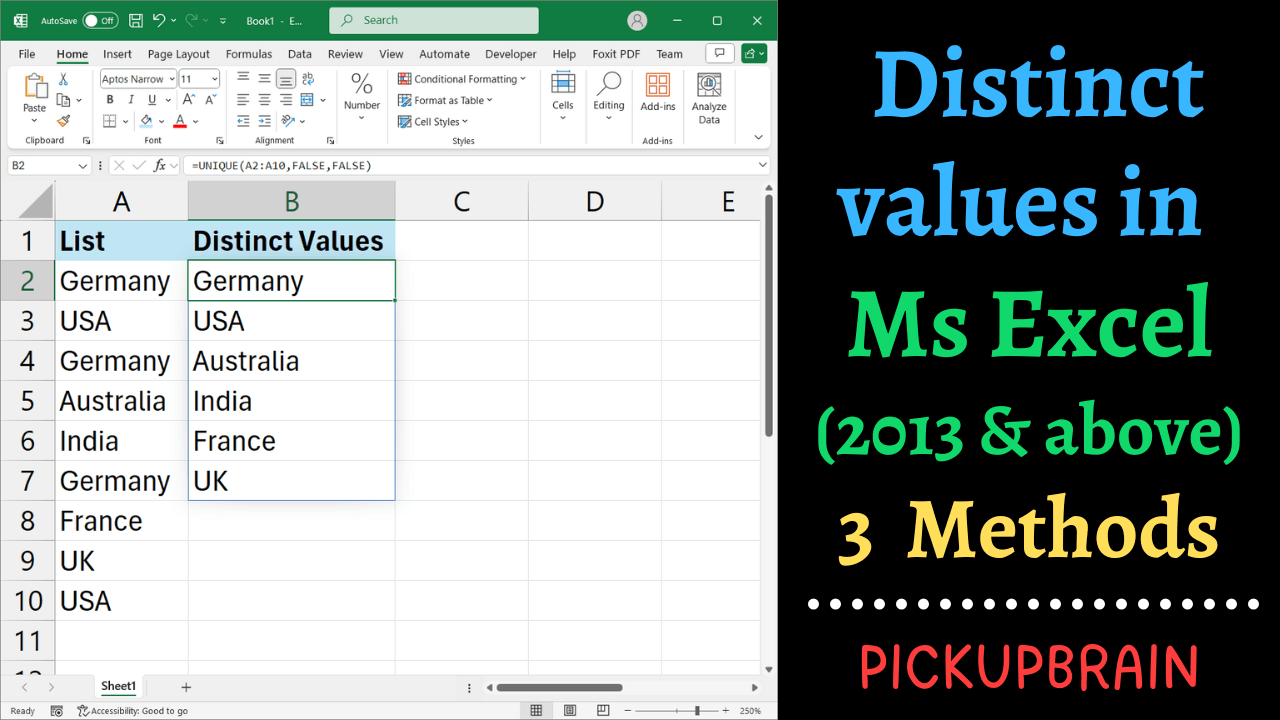
Distinct value in Excel 2013 and above

Quick answer: To extract distinct values in Excel, use =UNIQUE(A2:A20) in Microsoft 365 or Excel 2021 and later. In Excel 2013, 2016, or 2019, use Data → Advanced Filter → Unique records only to copy a distinct list without changing your original data. You can also use Remove Duplicates, but that method modifies the selected range, so make a copy first. There is a useful difference between unique and distinct… Read More »How to Get Distinct Values in Excel: UNIQUE, Filter & Duplicates
How to Get Distinct Values in Excel: UNIQUE, Filter & Duplicates

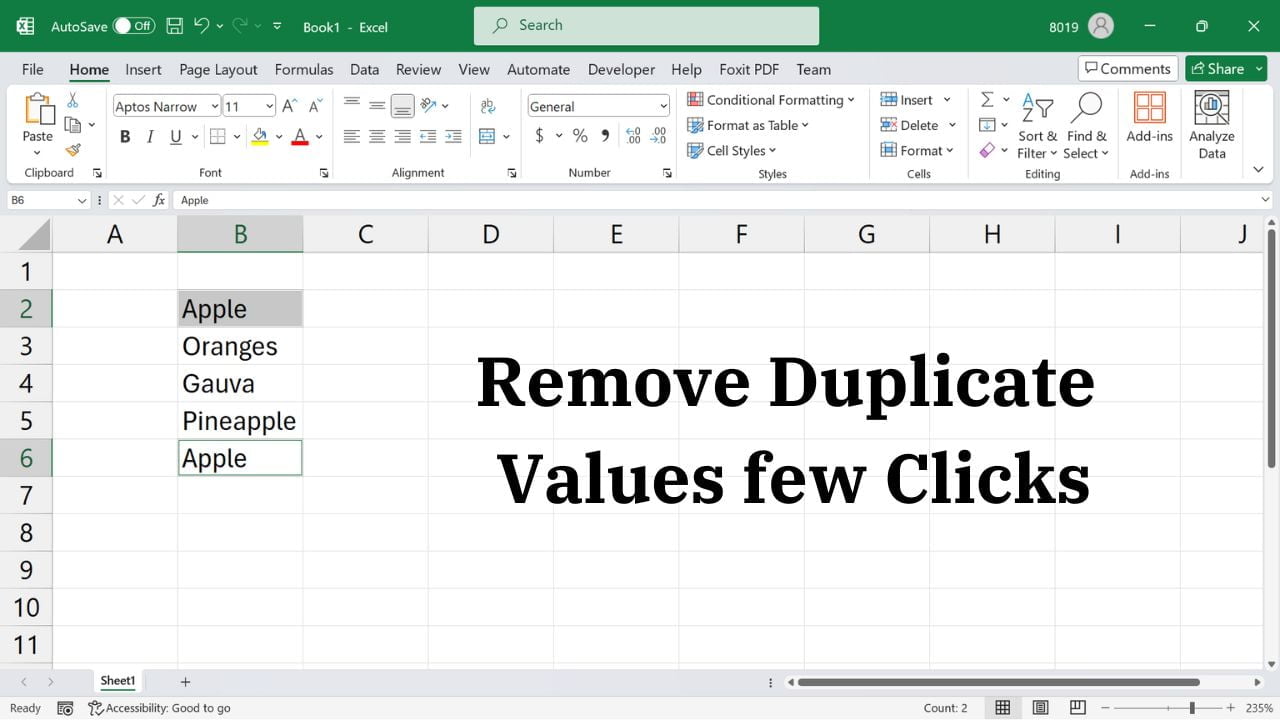
Quick answer: Select your data in Excel, choose Data → Remove Duplicates, select the columns that define a duplicate, and click OK. Excel keeps the first matching record and removes later duplicates. Make a copy of your data first, because this operation deletes rows from the selected range. Remove Duplicate Values and Rows in Excel Excel’s built-in Remove Duplicates command can clean repeated records quickly. Before starting, decide whether duplicates… Read More »How to Remove Duplicate Rows in Excel Safely (Without Losing Data)

How to Remove Duplicate Rows in Excel Safely (Without Losing Data)

  • by