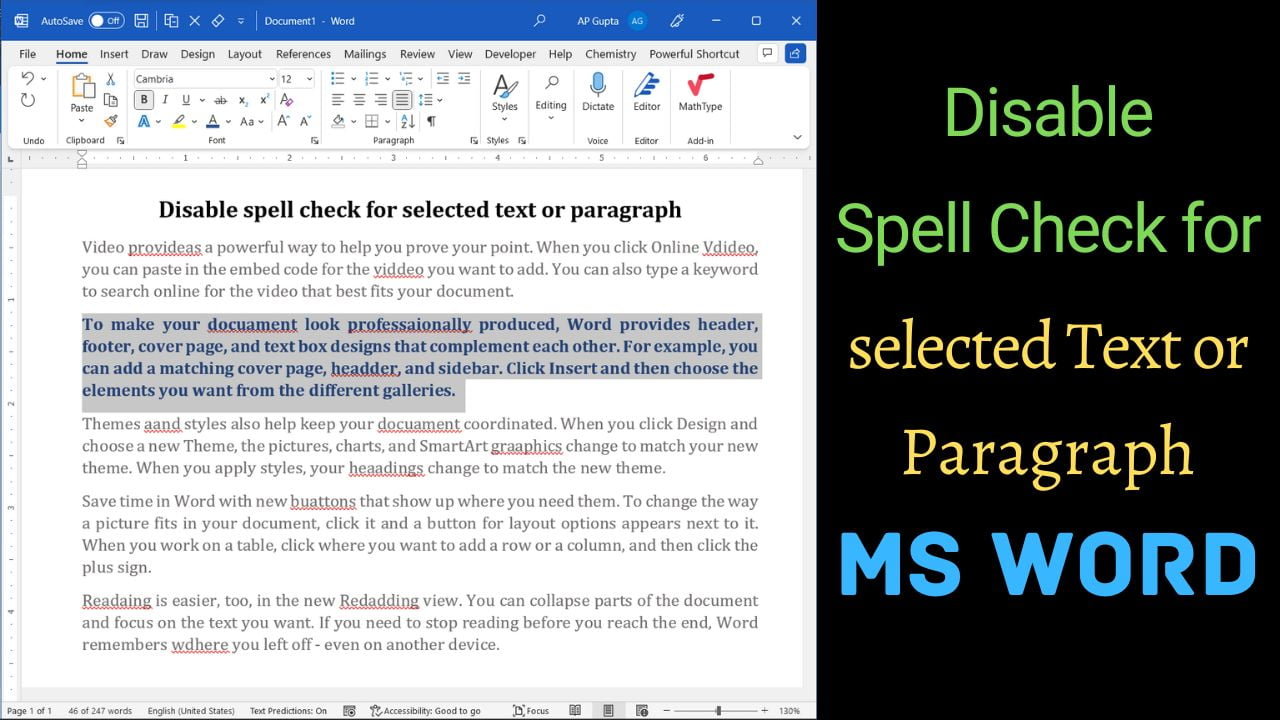
Quick answer: To stop Microsoft Word from checking spelling and grammar in only one paragraph or selected passage, select that text, go to Review → Language → Set Proofing Language, select Do not check spelling or grammar, and click OK. This changes proofing for the selected text, not the whole document. It is useful for code, technical terms, quotations, and passages in a language you do not want Word to… Read More »How to Turn Off Spell Check for Selected Text in Word