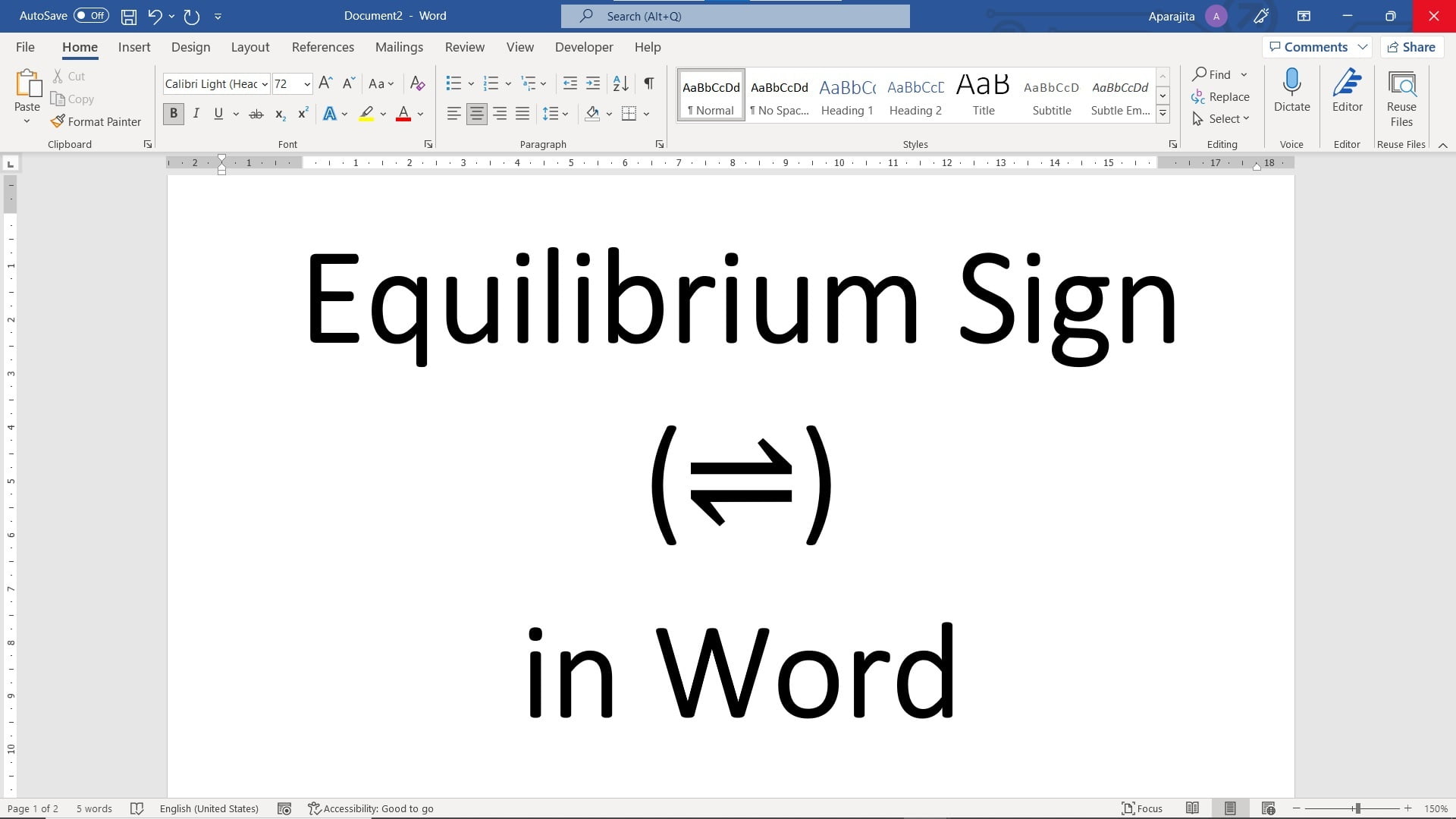
Quick answer: To type the equilibrium arrow ⇌ in desktop Microsoft Word for Windows, enter 21CC and press Alt+X. For the opposite-direction arrow ⇋, use 21CB and Alt+X. You can also insert these symbols from Word’s Symbol dialog or through Equation tools. This guide explains three practical methods and the important distinction between the two arrow forms. Three ways to insert an equilibrium arrow in Word Method 1: Insert the… Read More »How to Type the Equilibrium Arrow (⇌) in Microsoft Word