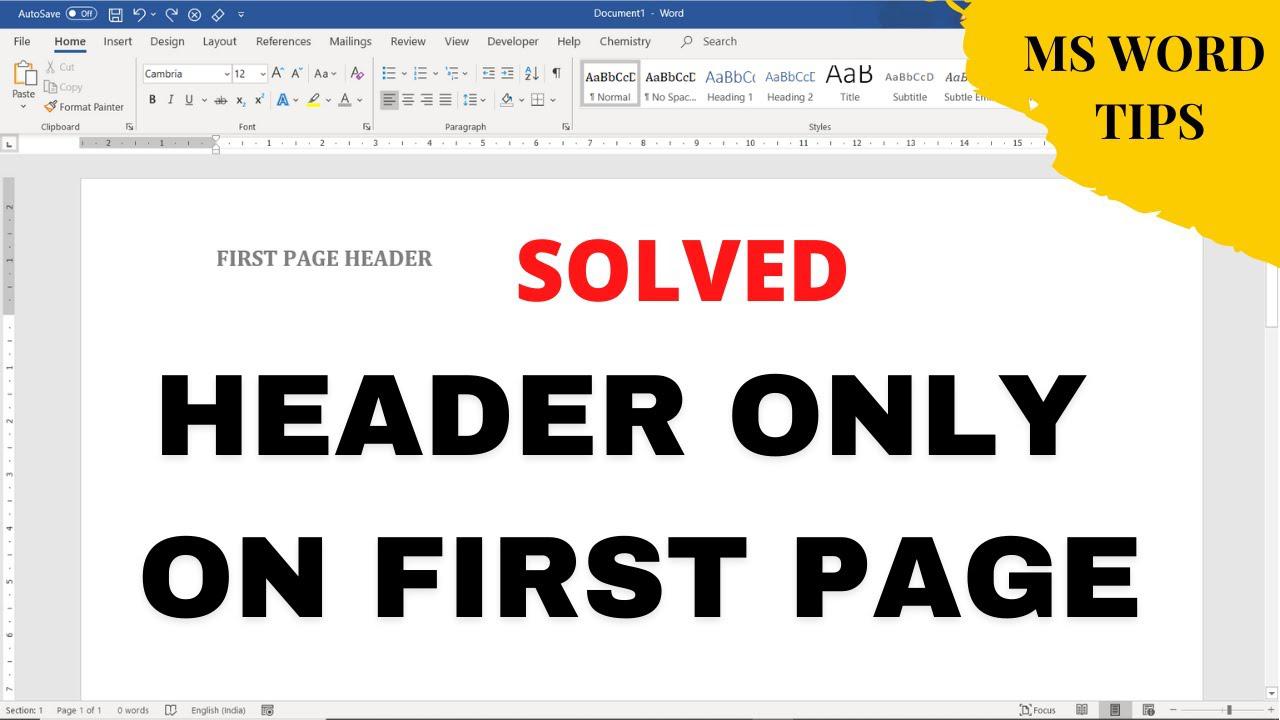
Quick answer: Open the header, enable Different First Page, and put the desired content in the first-page header. Leave the regular header blank so later pages do not repeat it. Steps to Insert Header Only on First Page The following method works in Word for Microsoft 365, Word for Microsoft 365 for Mac, Word for the web Word 2019, Word 2019 for Mac, Word 2016, Word 2013, Word 2010, Word 2016 for Mac. 1) Navigate to the first… Read More »How to Show a Header Only on the First Page in Word