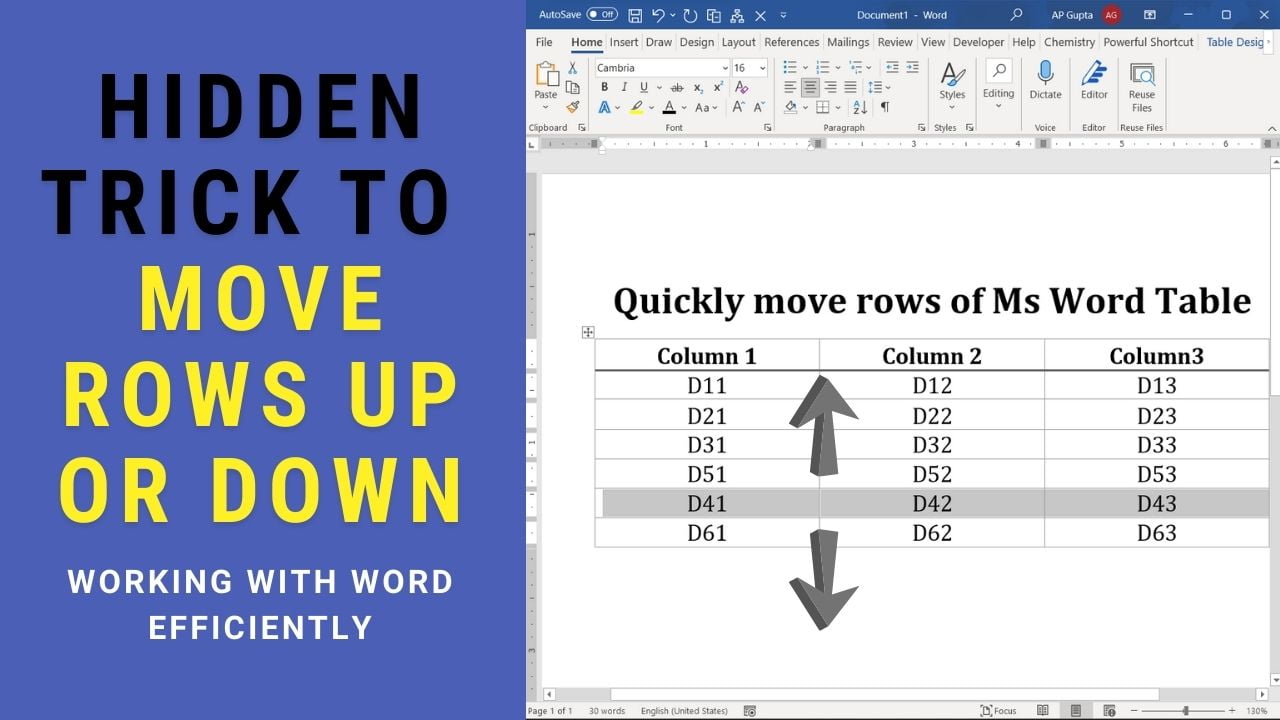
Quick answer: To move a table row in desktop Microsoft Word for Windows, click in the row and press Alt+Shift+Up Arrow or Alt+Shift+Down Arrow. Select adjacent rows first to move them together. This is faster than cutting and pasting, but test the shortcut on a copy if the table contains merged cells or complex formatting. How to Move a Table Row Up or Down in Word Position the cursor in… Read More »How to Move Table Rows Up or Down in Word (Keyboard Shortcut)
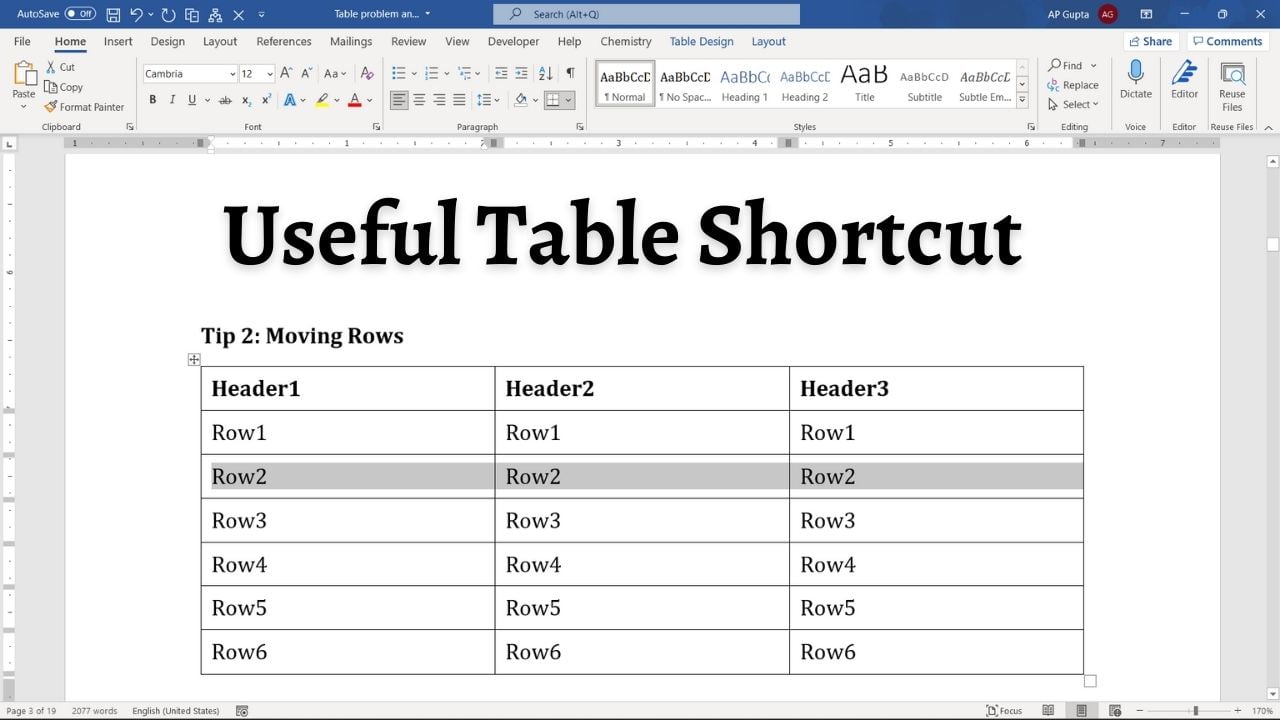
word move table row
Quick answer: This reference lists practical shortcuts for navigating and editing tables in desktop Microsoft Word. Common commands include Tab to move to the next cell, Shift+Tab to move to the previous cell, and Alt+Shift+Up/Down Arrow on Windows to move a row. Shortcut behavior can differ by operating system, keyboard layout and Word version. Note: In this table, a plus sign (+) means press keys together; a comma means press… Read More »Microsoft Word Table Keyboard Shortcuts for Windows and Mac

