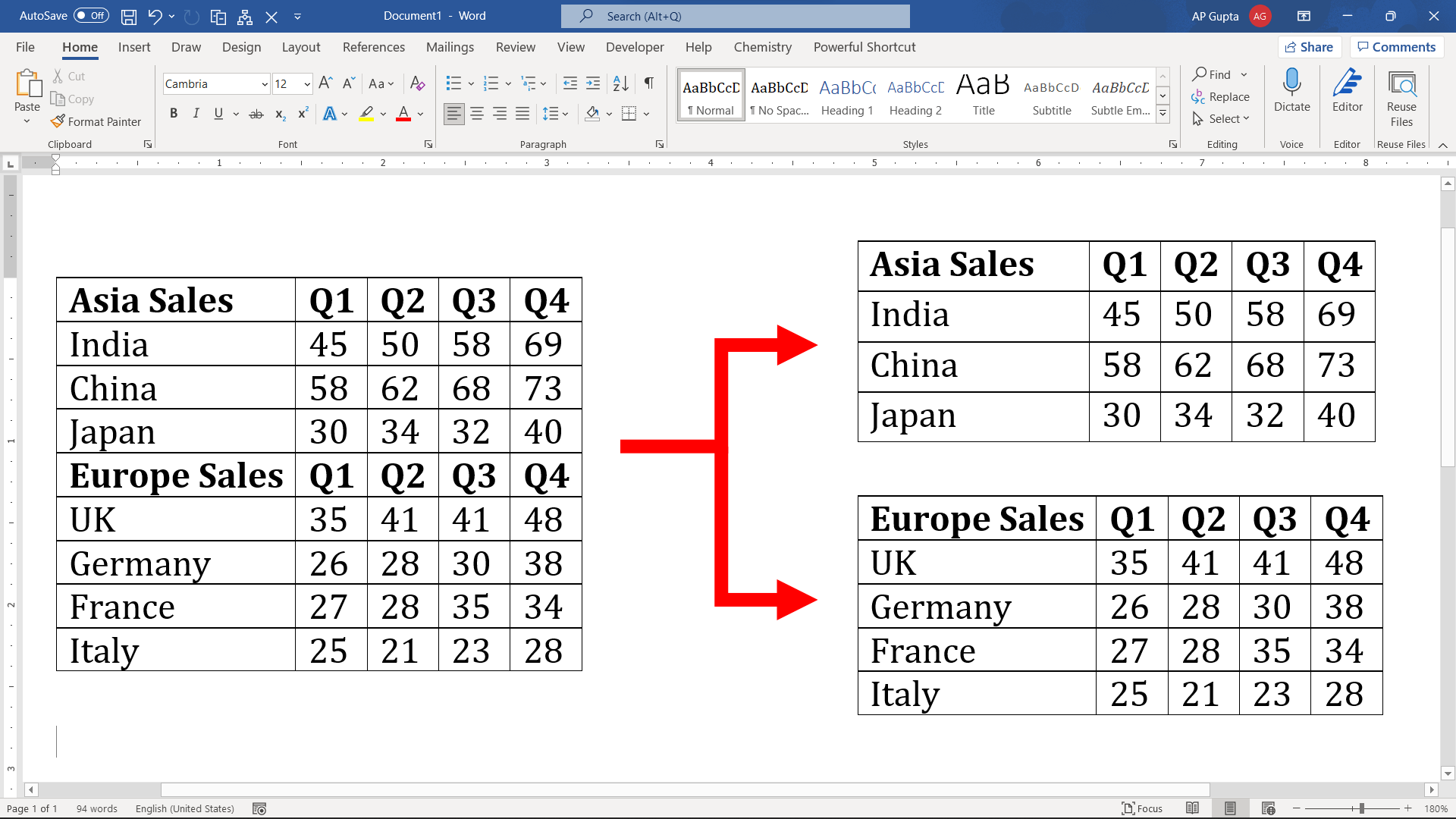
Quick answer: To split a table into two tables in desktop Microsoft Word, click in the row that should become the first row of the second table. Then choose Table Layout → Split Table. Word inserts a paragraph between the two tables. This splits the table horizontally between rows, not vertically into separate sets of columns. Method 1: Use the Split Table Command Follow these steps to split a table… Read More »How to Split a Table in Microsoft Word: Menu and Keyboard Methods