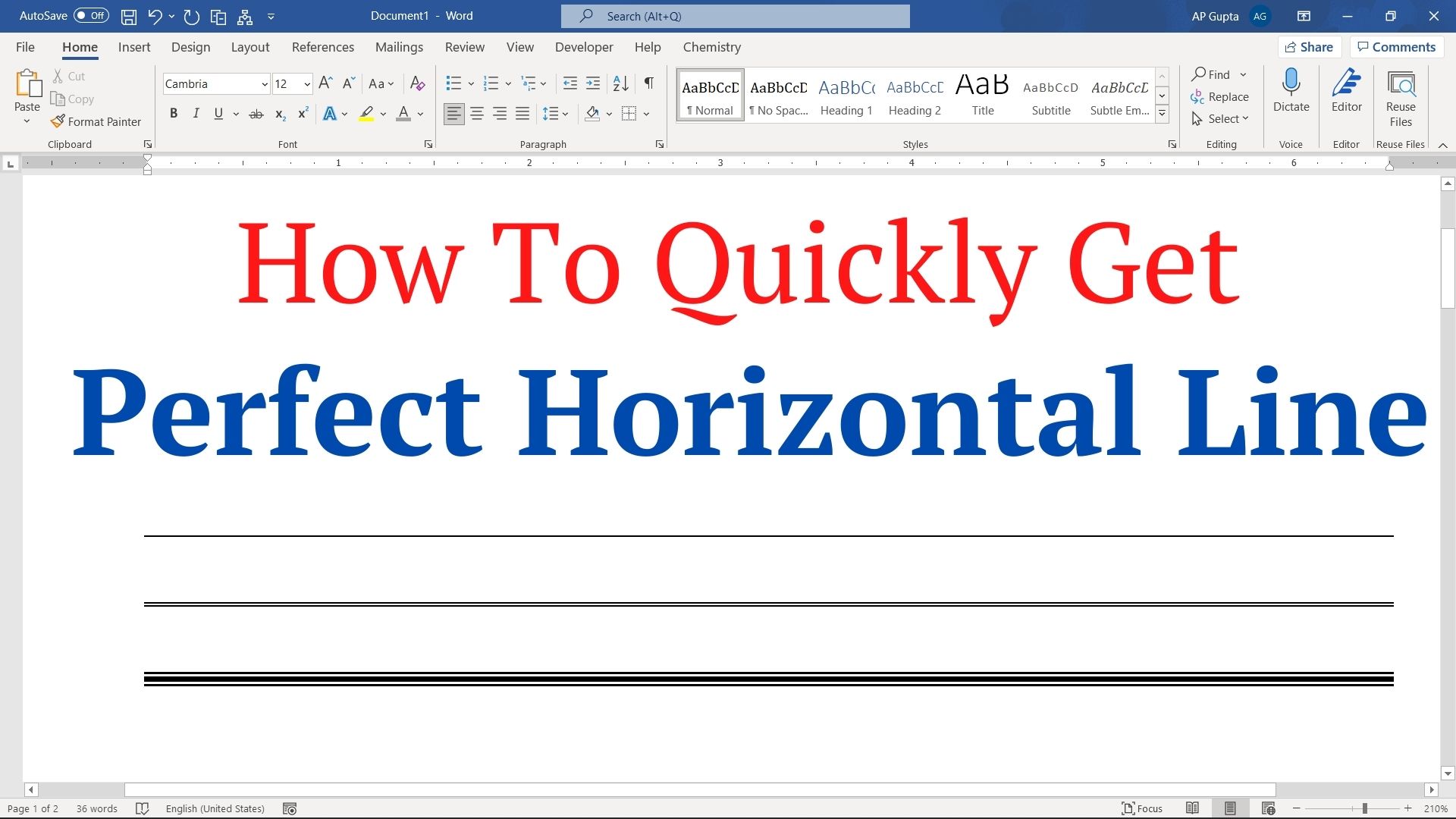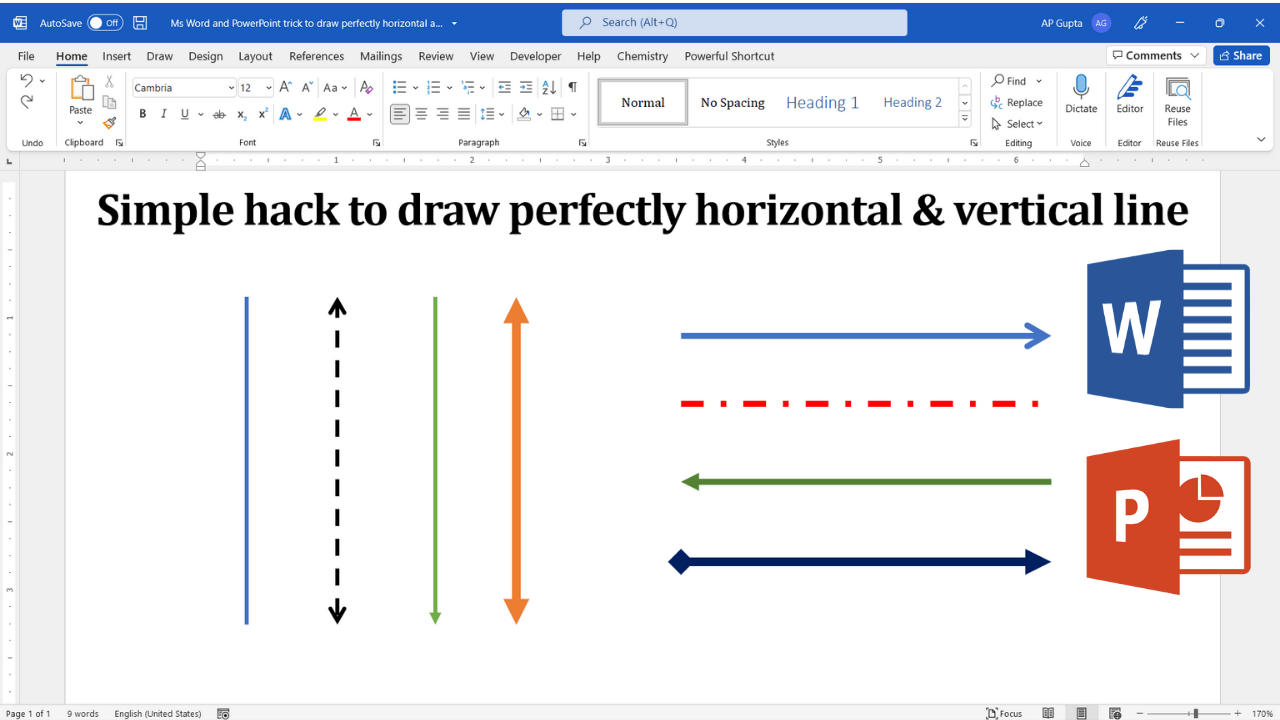
Quick answer: In desktop Microsoft Word or PowerPoint, choose Insert → Shapes → Line, then hold Shift while dragging to constrain the line to standard angles, including perfectly horizontal and vertical. This is more reliable than trying to draw a straight line freehand. The steps below work with the desktop shape tools; web and mobile interfaces may differ. Draw a Straight Line in Word or PowerPoint: Step by Step Step… Read More »How to Draw a Straight Horizontal or Vertical Line in Word and PowerPoint