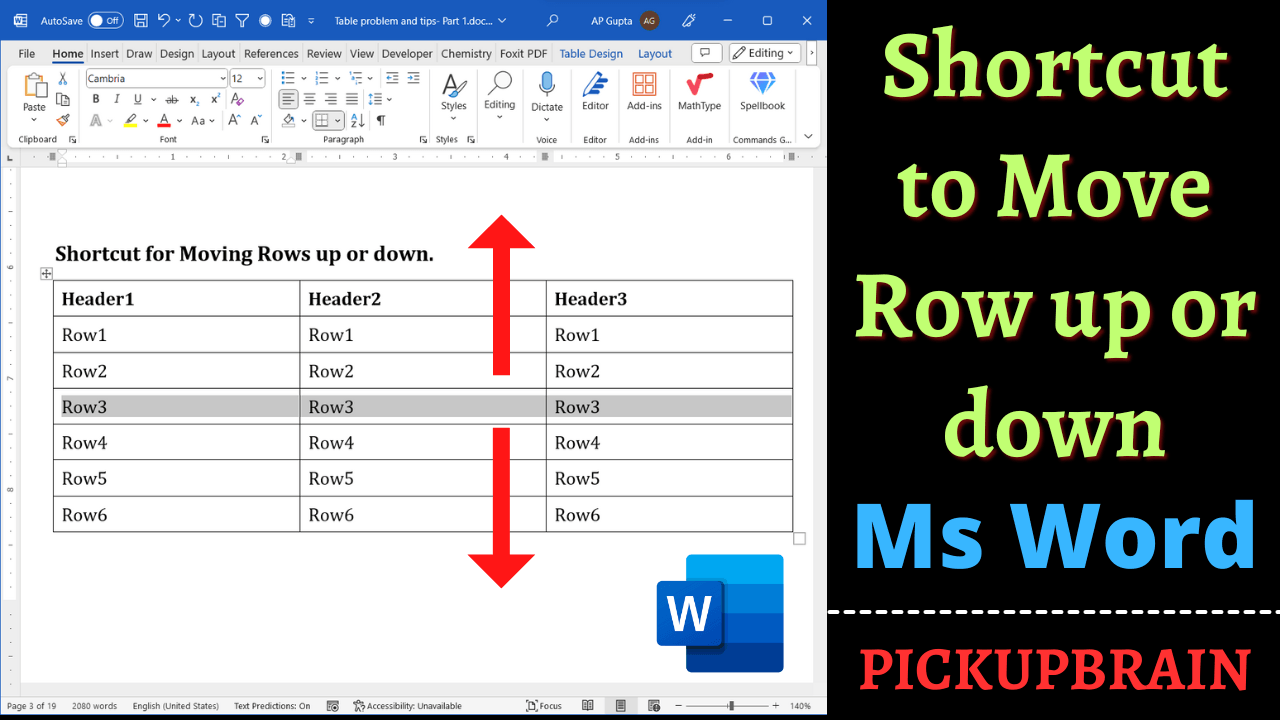
Move Microsoft Word table rows using Alt+Shift+Up or Down Arrow. Includes step-by-step instructions, an example, and troubleshooting tips.
Move Microsoft Word table rows using Alt+Shift+Up or Down Arrow. Includes step-by-step instructions, an example, and troubleshooting tips.
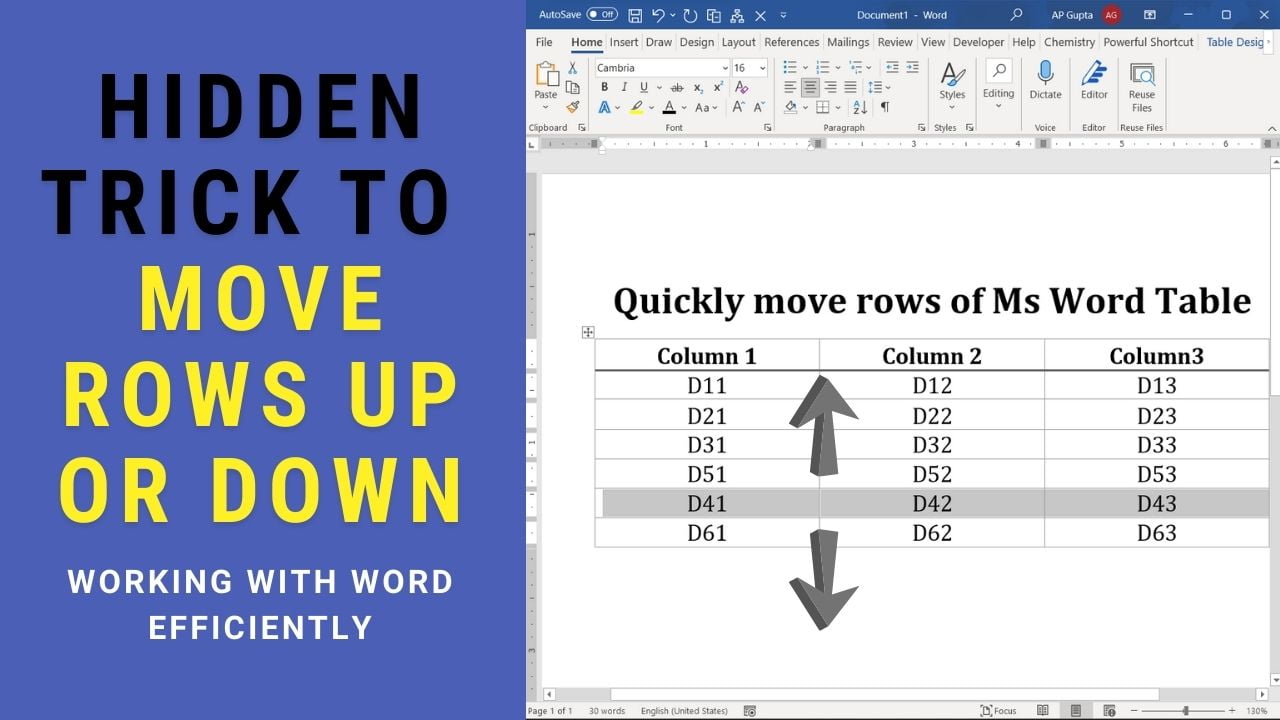
Quick answer: To move a table row in desktop Microsoft Word for Windows, click in the row and press Alt+Shift+Up Arrow or Alt+Shift+Down Arrow. Select adjacent rows first to move them together. This is faster than cutting and pasting, but test the shortcut on a copy if the table contains merged cells or complex formatting. Steps to move row (or rows) up and down Position the cursor in the row… Read More »How to Move Table Rows Up or Down in Word (Keyboard Shortcut)